














Less manual work for IT
Accounts and permissions are automatically created and managed, without IT having to intervene manually.
Integrations
Through Joinly, you can connect all your business software with your IT landscape. Your HR system is the source, and every joiner, role change and leaver reaches the applications that follow from it on its own.
No credit card, nothing to install. Talk to an IAM specialist
Source systems
Joinly reads your HR system and takes over every change. Each system has its own page on which data goes in and how the connection runs.
Target systems
Accounts, licences, groups and tickets: Joinly sets them up as soon as HR changes something, and cleans them up when someone leaves.
Request it, and the integration is often available within a day.
Request an integrationApplication integrations
The integrations above are the standard set. Any other application with an API can be added, your industry software too: a new connector is often in place within a day. And a workflow drives any system that accepts a webhook.
From HR data to ready-to-use accounts.
Accounts and permissions are automatically created and managed, without IT having to intervene manually.

Since everything is driven by HR data, typing errors and duplicate entries disappear.

New employees can start working immediately, and accounts of departing employees are automatically deactivated.

Usernames, email addresses, and attributes are consistent and up-to-date everywhere.
100% aligned with your IT environment. 100% compatible with your HR.
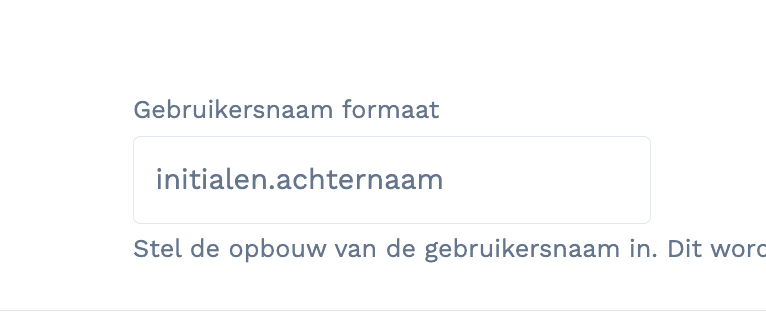
Determine how usernames and email addresses are constructed, and keep everything synchronized by writing email addresses back to the HR system.
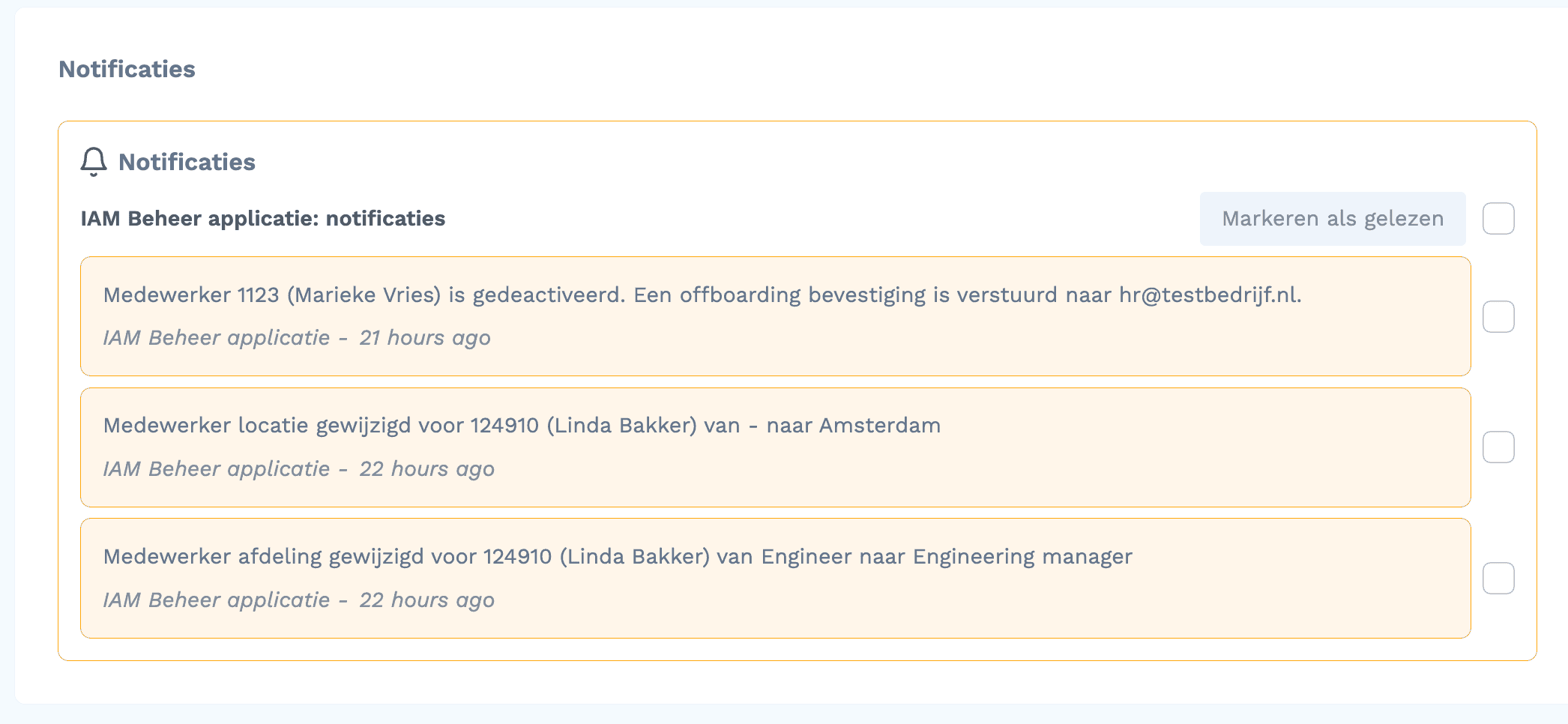
New accounts are automatically created and closed. With password reset on the first working day and flexible mapping of HR attributes.
Support for cloud, on-premise, and hybrid scenarios. Works seamlessly with Entra ID, Active Directory, and Google Workspace.
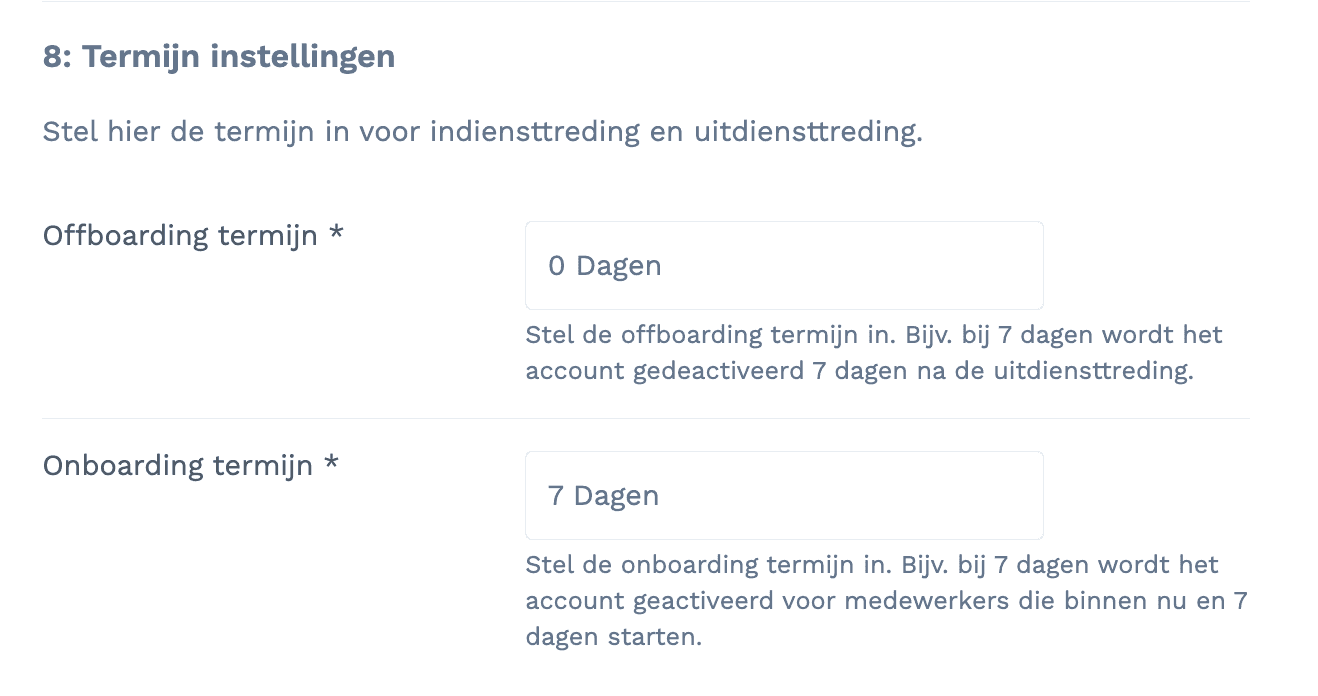
Ensure that employees gain and lose access at the right time. Set your own onboarding and offboarding timelines.
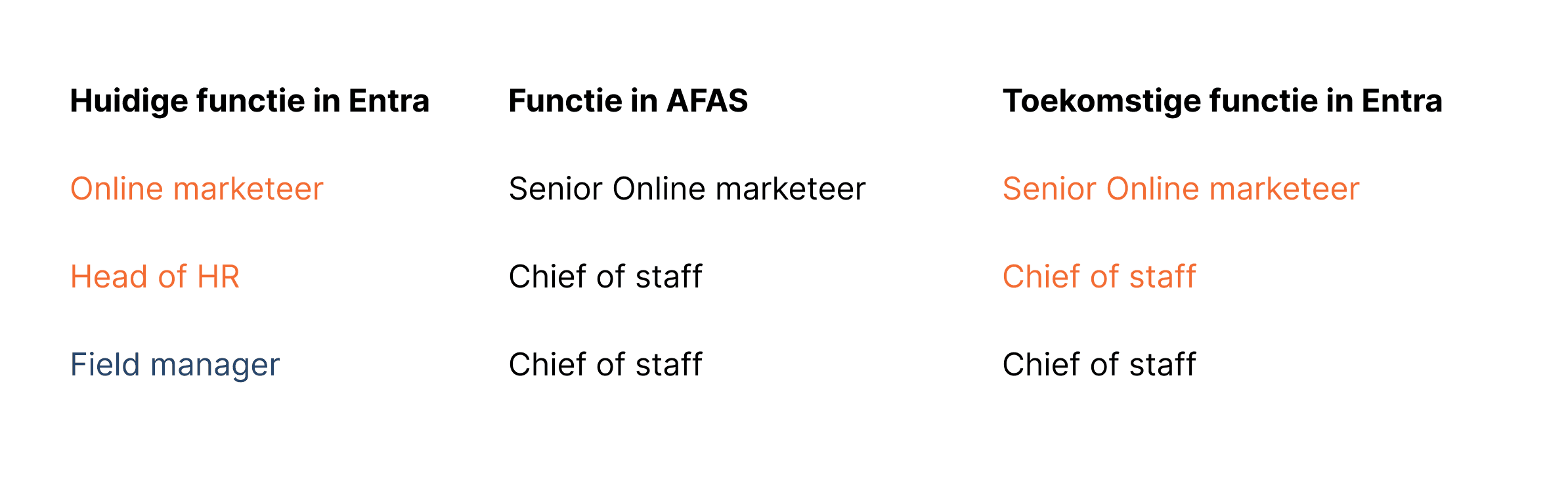
View an export of all provisioning actions in a 'dry run', so you know exactly what happens before the integration goes live.
With Joinly, you define once which employee gets access to what. From that moment on, everything is automatic: HR data forms the basis, Joinly translates this into smart rules and ensures the correct assignment. This way, access remains current, without manual management.

Integrate your HR system (e.g., AFAS, Nmbrs, Youforce, Workday, or Personio).
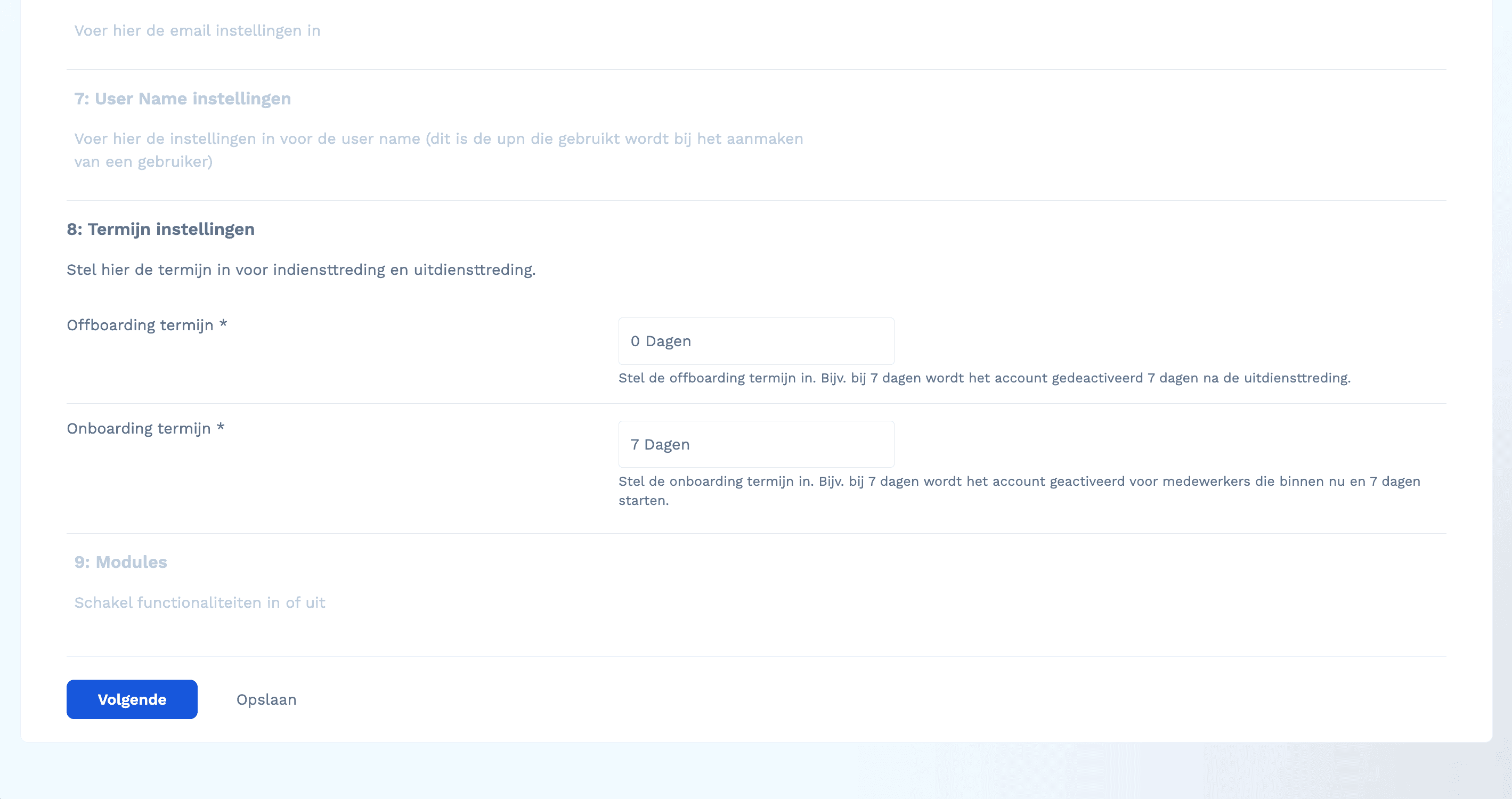
Set your rules for username, email, and assignment.
Joinly takes care of provisioning in Entra, AD, or Google Workspace.
Check with an export if everything is correct and activate the integration.
Every organisation works with dozens of applications: Microsoft 365 and Teams, a CRM, a service desk and the software of its own sector. For every new colleague someone creates the accounts, and when they leave someone has to remember to clean them up.
That is how you end up with loose spreadsheets, requests that sit waiting and accounts of people who left long ago. Exactly the access nobody has in view.
How it works
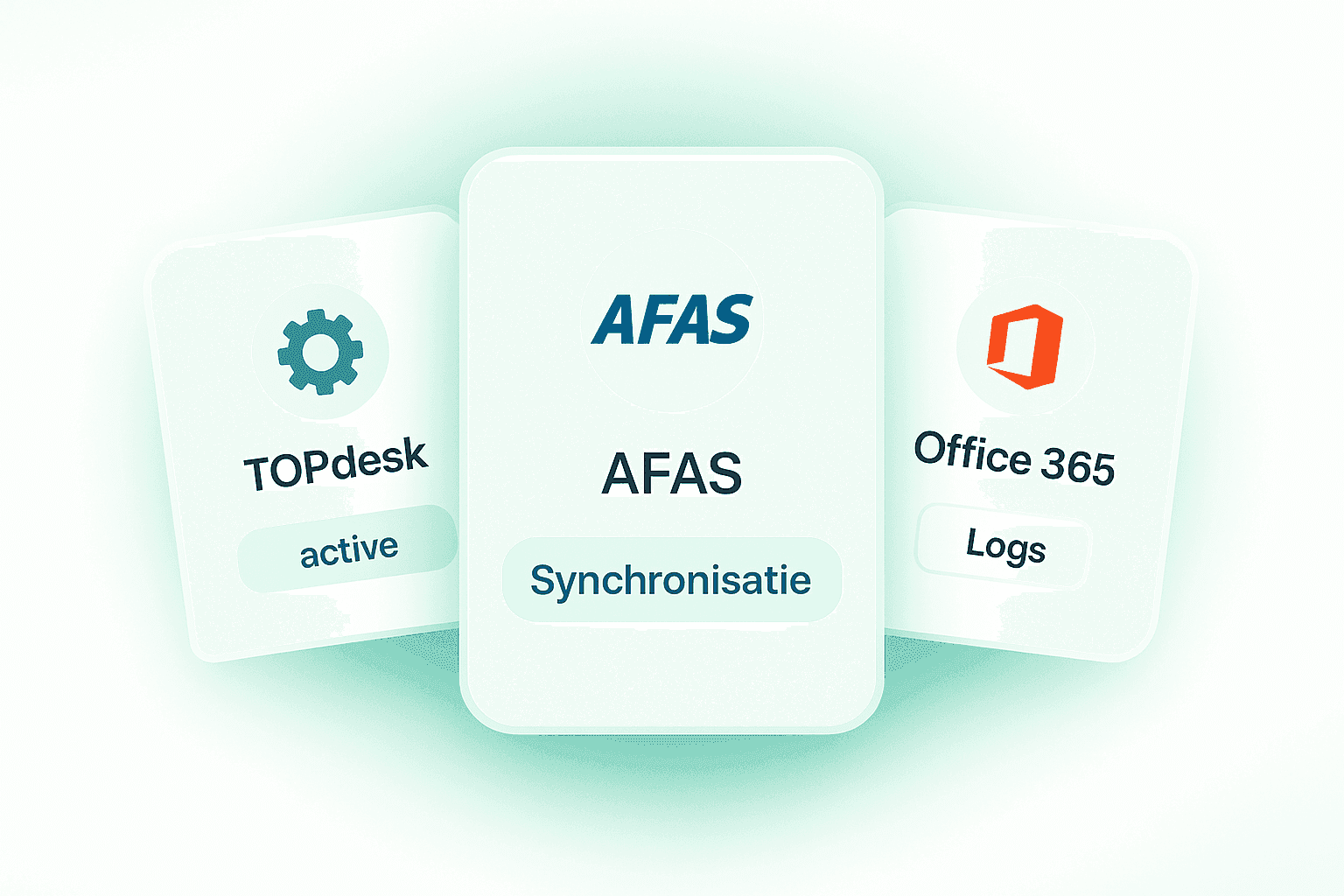
Joinly has standard connectors for widely used applications, such as Microsoft 365, Google Workspace, HubSpot and TOPdesk. Any other application with an API can be added, your industry software too: a new connector is often in place within a day.
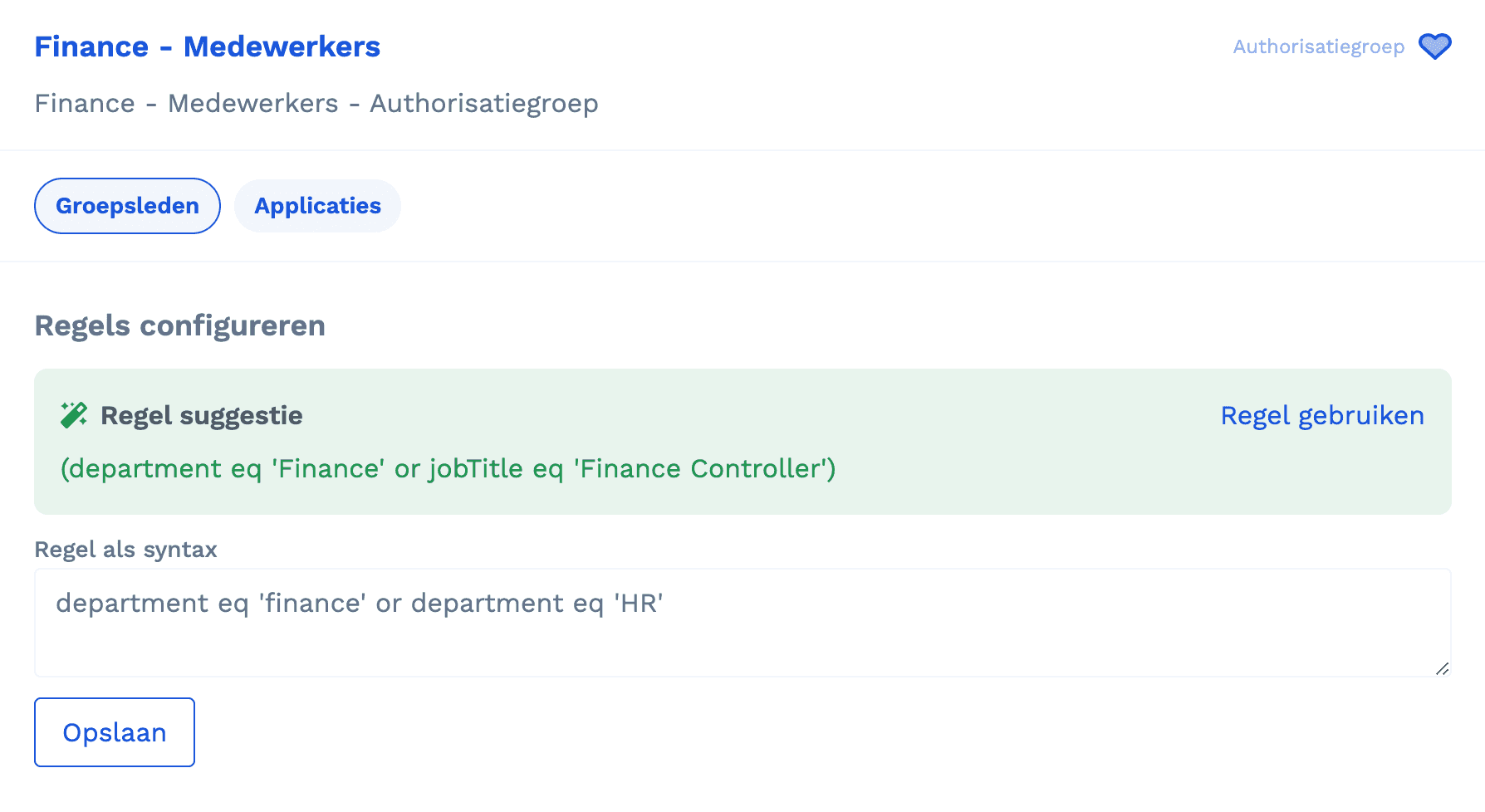
An authorisation group uses a rule to decide who is a member: by job, department, location or any other HR field. Whoever meets the rule gets the account and the role in the application.
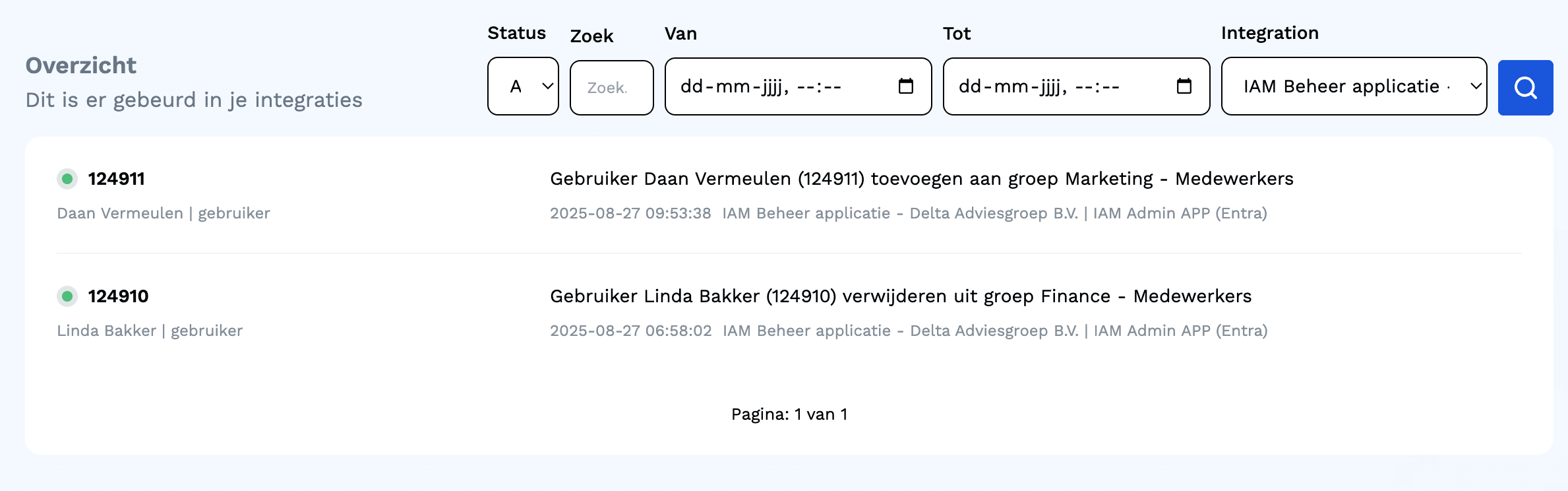
Joinly assigns groups, licences and application roles to everyone who should have them, and revokes them as soon as that is no longer the case. When someone leaves, their accounts in every application are disabled.
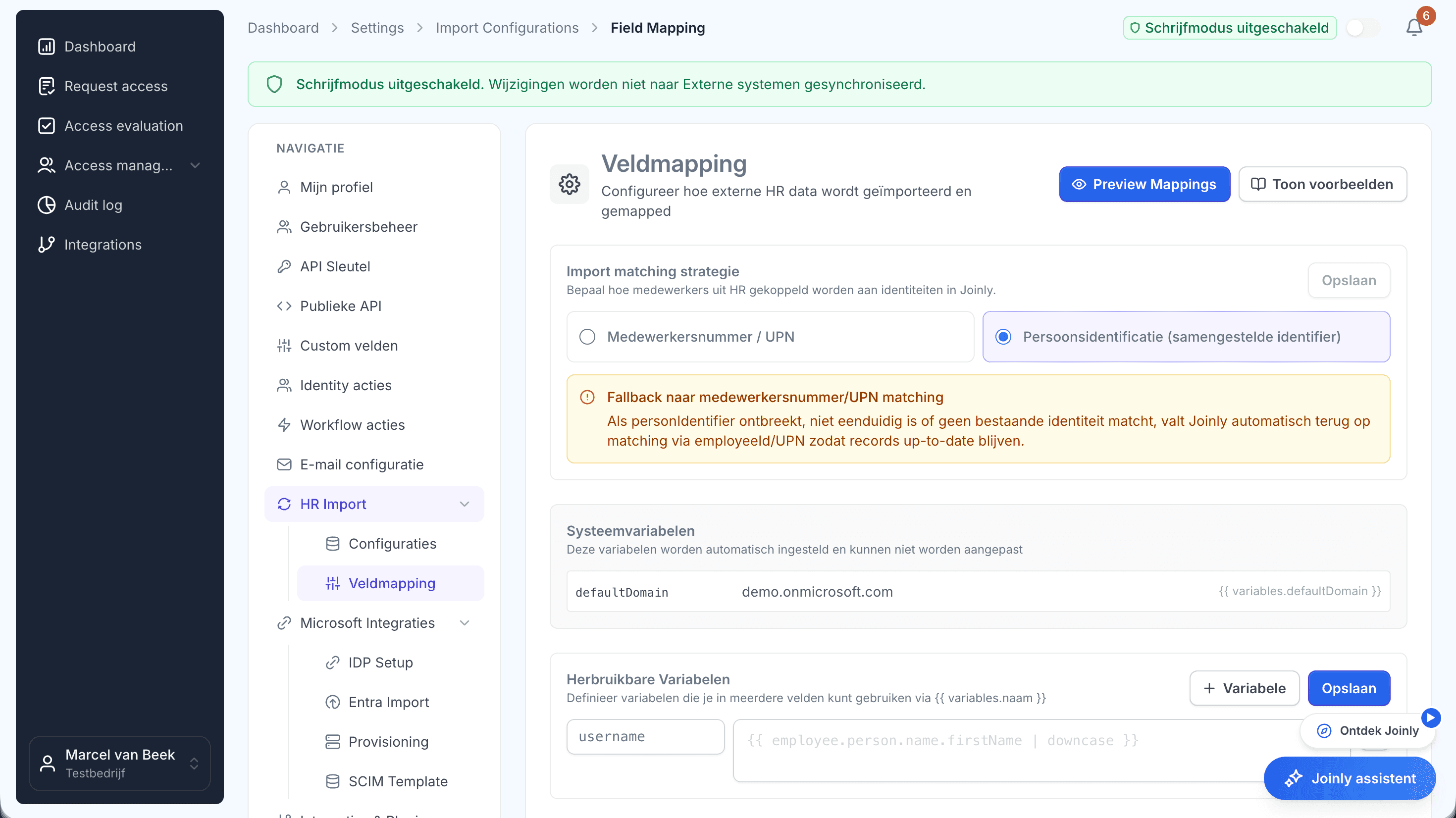
When something changes in HR, such as a name, a job or a department, Joinly passes it straight on to every connected application.
For the employee
New colleagues have access straight away to the applications they need for their work.
For IT
Accounts are created, changed and deactivated automatically, without tickets.
For security
When someone leaves, their accounts in every connected application are disabled, and rights stay in line with HR.
Ask away
Among others Microsoft 365, Teams, Google Workspace, HubSpot, Salesforce, TOPdesk, Freshservice, ServiceNow, Jira, SAP, Odoo, AccountView, Nedap ONS, Magister and ParnasSys. Every connector is on the application integrations page.
Yes. Any application with an API can be added, and a new connector is often in place within a day. On top of that, a workflow drives any system that accepts a webhook.
Yes. A role in Joinly can contain application roles, such as the app roles of an Enterprise Application. Whoever gets the role gets those rights as well, and loses them again when it is revoked.
On the leaving date Joinly disables the accounts in every connected application, and that is in the audit log.
Straight away. Joinly passes a change in HR on to every connected application immediately.
Try Joinly
Your free trial environment shows, with demo data, how an HR integration works, using AFAS as the example. Other systems work the same way. When you go live, you connect your own systems together with Joinly.
No credit card, nothing to install.
Rather talk to someone first? Talk to an IAM specialist