
Workflows
Everything that has to happen after an HR change. Every time.
One trigger, conditions and a series of actions. That is how you automate everything you now handle ticket by ticket, from the welcome email to the cleared calendar when someone leaves. In a visual editor, with a preview first and every step logged.
No credit card, nothing to install. Talk to an IAM specialist
- ISO 27001-certified
- Certified by AFAS
- Data in Amsterdam
A colleague's last working day
In many organisations nothing happens that day. The account stays open for weeks, the licence keeps running and the team calendar is full of meetings with an empty chair.
With a workflow, the leaving date from HR starts the whole process: the account is disabled, sessions are revoked, licences are freed, the out-of-office points to the manager, the calendar is cleared and TOPdesk has a ticket for the laptop. Archiving the mailbox waits for IT's approval.
How it works
A workflow in three parts
Step 1
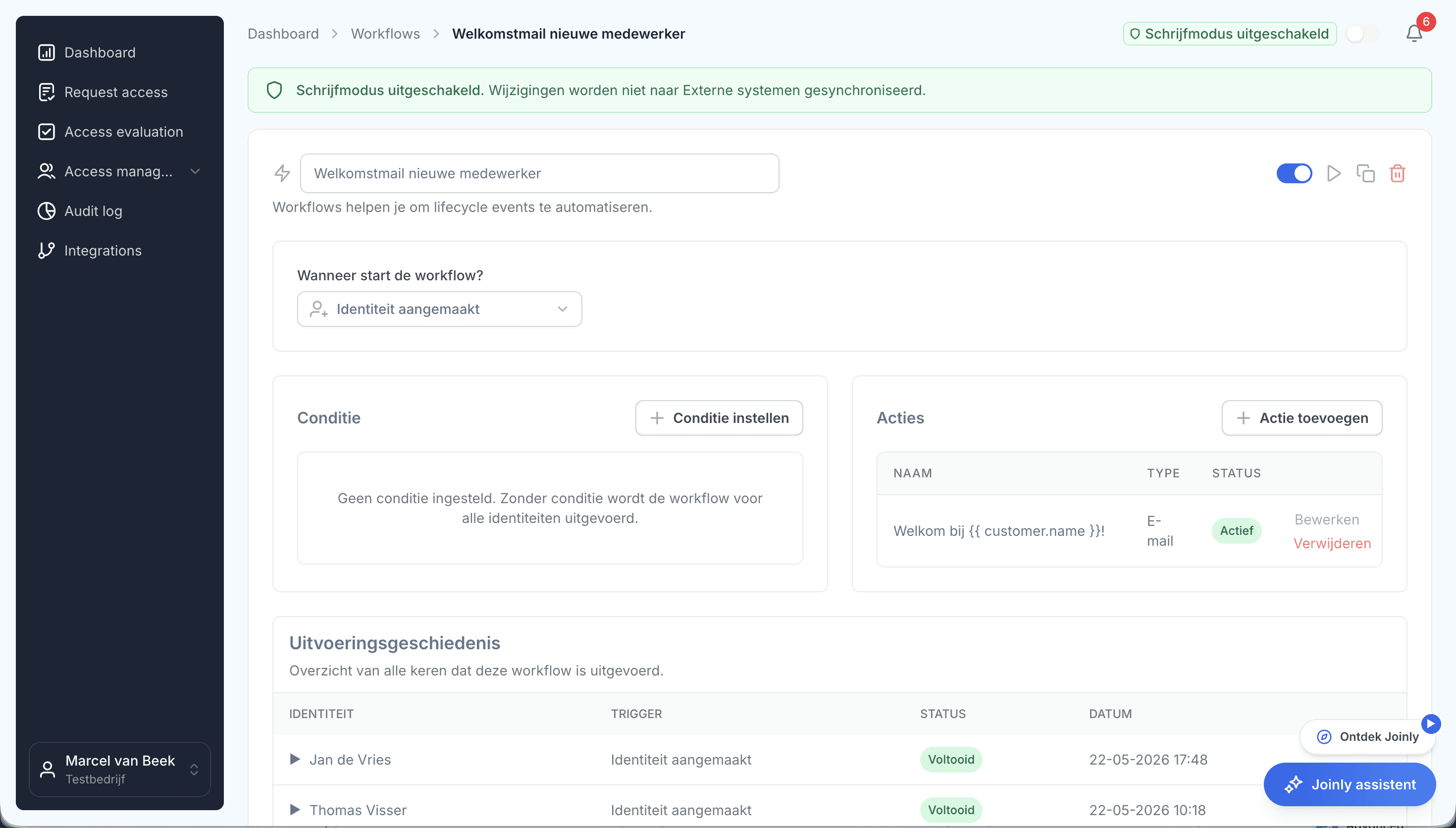
A trigger sets it off
A new employee in HR, a change of job, an approaching leaving date, a right being granted or a signal from another system. The event starts the workflow; you do not have to do anything.
Step 2
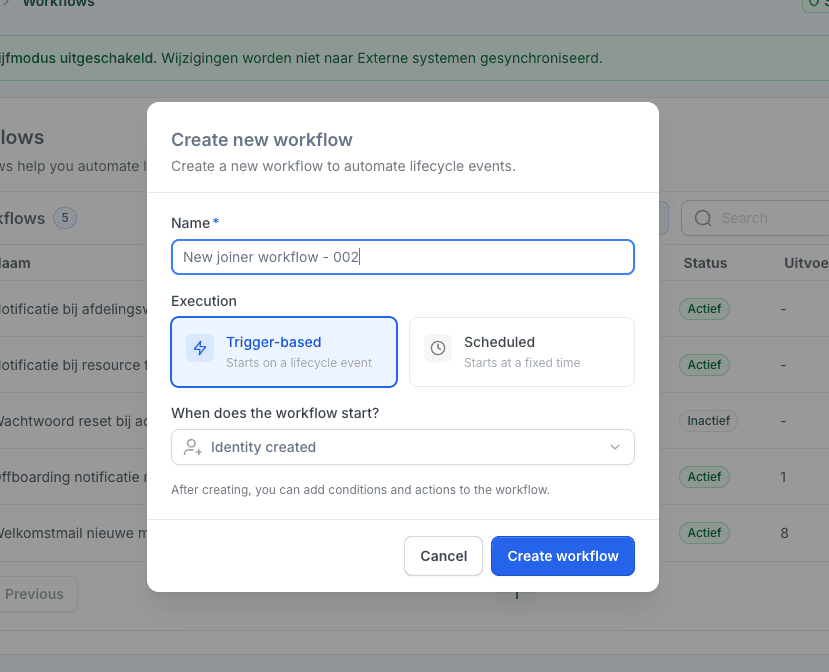
Conditions decide for whom
Filter on department, job, location or any other field, for example only the field staff in Zwolle. The preview shows straight away which people match, so you never automate blind.
Step 3
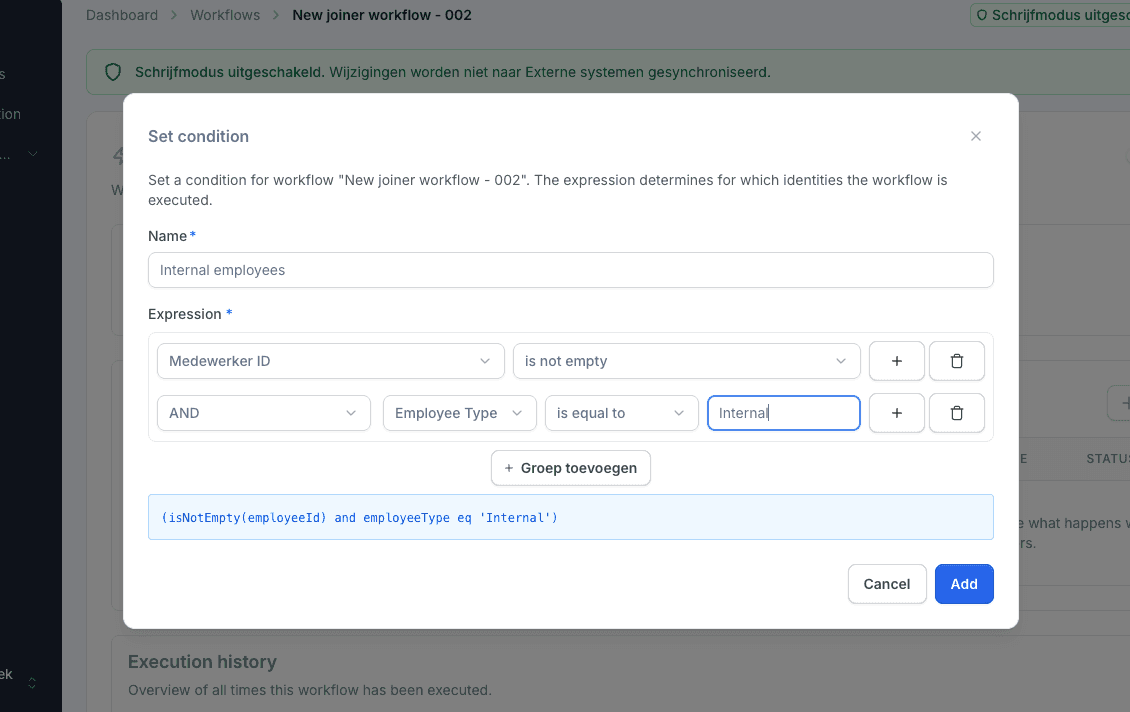
Actions do the work
Create an account, assign licences, send a welcome email, open a ticket, add a task that waits for approval. As many steps as you like, in the order your process needs.
In on-premises Active Directory too, through the Joinly Agent.
Step 4
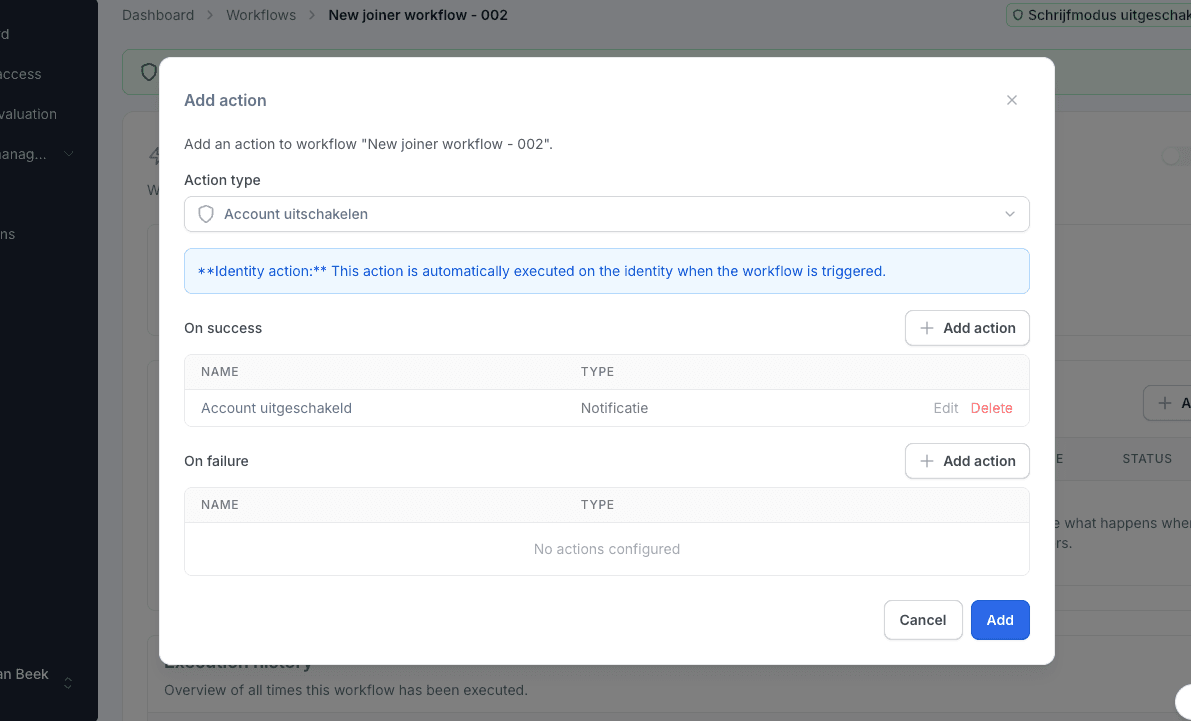
If something goes wrong, you see it
Every action retries by itself after a failure. You decide per step whether the workflow stops, and link follow-up actions to success or failure. Failing workflows surface on the dashboard.
What it delivers
For HR
Day one sorted
Account, roles, licences, a welcome email to the private address and a ticket for the laptop. Ready before the first working day.
For IT
No more checklists
What you now handle ticket by ticket happens by itself, the same way every time. Without scripts nobody dares to touch any more.
For security
The door closed on the last day
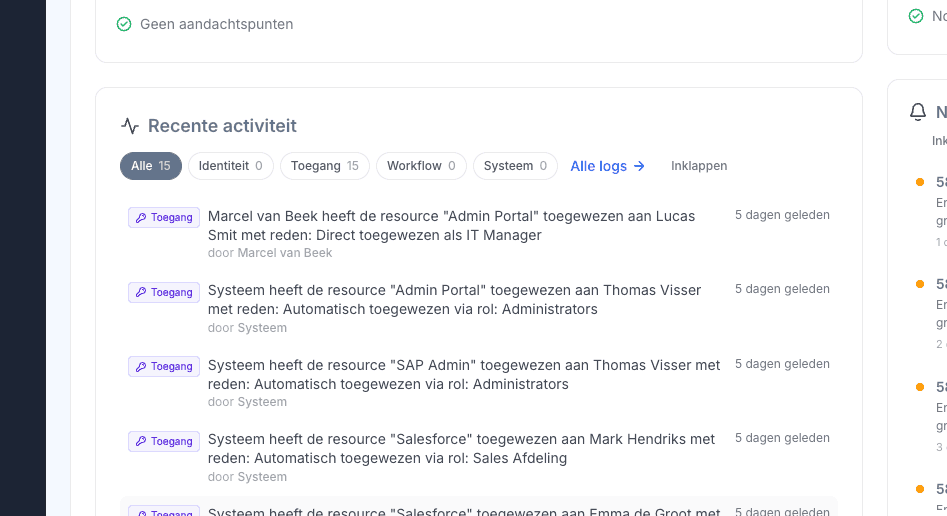
Account disabled, sessions revoked, licences freed. Every step is in the audit log.

Ask away
Frequently asked questions about workflows
Do I need to be able to program?
No. You build workflows in a visual editor: you choose a trigger, set conditions and put the actions in order. No scripts, no code.
Can I see who a workflow affects before I switch it on?
Yes. The preview shows which people currently match your filters, and “run for everyone” has its own preview before anything happens.
What happens if a step fails?
Joinly retries automatically: three times straight away, then after five minutes and after an hour. You decide per step whether the workflow stops on an error, and failing workflows show up as a point of attention on the dashboard.
Can a workflow ask for approval?
Yes. With the “create task” action you add an approval step. You link a follow-up of its own to approved and to rejected.
Do workflows work with on-premises Active Directory too?
Yes, through the Joinly Agent: creating AD accounts (in bulk too), managing AD groups and creating Exchange remote mailboxes.
Which systems can a workflow drive?
Microsoft Entra ID and Microsoft 365, on-premises Active Directory, your service desk such as TOPdesk, email and text messages, and any system that accepts a webhook.
More of the product
- Lifecycle managementJoiners, movers and leavers from HR
- Roles and RBACAccess that follows the job
- Role miningRoles from the access that is there
- Authorisation matrixAlways current, exportable
- Segregation of dutiesStop conflicting rights
- Logging and auditingWho, what, when and why
- Application integrationsAccounts in every application
- SCIM gatewayOne standard for provisioning
Build your first workflow
In your free trial environment you build a workflow for joiners, movers or leavers with demo data.
No credit card, nothing to install.
Rather talk to someone first? Talk to an IAM specialist