
Joinly by KoppelHet

User provisioning and lifecycle

Rehires: one account per person, also when someone comes back

When a former employee comes back, you want one identity for that person and the access of their new role, without the rights from last time. Whether you reactivate the old account or create a new one depends on how long someone was away and what happened to the old account. Within 30 days of deletion, an account in Entra ID can still be fully restored.

When someone is a rehire

A rehire is someone who already had an account with you and comes back. That happens more often than you think, especially in healthcare, education and organisations with many temporary contracts. The situations differ:

  • A temporary contract with a gap in between. The contract ended on 31 December, the new one starts on 1 February. For HR it is a new employment, for the employee simply the same work.
  • A former employee who returns after years. Often in a different role or in a different department.
  • An intern or agency worker who joins the payroll. First external or temporary, now on a permanent contract.
  • A seasonal worker who comes back in the same months every year.

What they have in common: there is already a trace of that person in your environment. A disabled account, a deleted account that can still be restored, a retained mailbox, a OneDrive with the manager, or a username that is still taken. Whoever ignores that and simply creates a new account ends up with two identities for one person.
Reactivating the old account or creating a new one

The rule of thumb: if the old account still exists, or can still be restored, use it. One person keeps one account, with the same username, the same email address and their own history in the logs. What you always do afresh is the access: that comes from the new role.

Which route for which situation
SituationRouteWatch out
Account still exists, disabledReactivateFirst remove all old groups, roles and application rights, then grant the access of the new role, and only then allow sign-in.
Account deleted less than 30 days ago (Entra ID)Restore via Deleted usersThe account comes back with all its properties and licences, even if no licences are available. Clean up the old access afterwards.
Account deleted more than 30 days agoNew accountThe old account is permanently gone. Check whether the username and email address are free again, and whether there is an inactive mailbox (see below).
Synced account from on-premises ADReactivate in ADAD is the source. Restore or enable the account in AD; an account deleted in Entra ID that still exists in AD can come back by itself on the next synchronisation.
Restoring a deleted user in Entra ID with Microsoft Graph PowerShell
# The object ID is in the Entra admin centre under Users, Deleted users
Connect-MgGraph -Scopes "User.DeleteRestore.All"
Restore-MgDirectoryDeletedItem -DirectoryObjectId "<object-id>"

What happened to the mailbox and the OneDrive

Whether someone gets their old mail and files back depends on what was done when they left. Microsoft 365 treats a disabled account differently from a deleted account.

Mailbox and OneDrive of a leaver
What happened on leavingMailboxOneDrive
Account only blockedStill there. If the licence was removed as well, Exchange Online keeps the data for 30 days; after that it is gone, except what falls under a retention policy.Still there; the retention period only starts on deletion. Without a valid licence it is archived on the 93rd day.
Account deleted less than 30 days agoComes back with the account.Still within the default retention period of 30 days; the manager has access by default.
Account deleted with a hold or retention policy on the mailboxKept as an inactive mailbox, recoverable as a new active mailbox.Follows the retention policy for OneDrive, if there is one.
Account deleted without a hold, more than 30 days agoGone.After the retention period, 93 days in the site collection recycle bin, then gone.

You recover an inactive mailbox with Exchange Online PowerShell. That is only possible once the first 30 days after deletion have passed; before that you simply restore the user account. The recovered mailbox gets a new user account, which needs a licence.

Recovering an inactive mailbox for a former employee who comes back
Connect-ExchangeOnline

# Find inactive mailboxes
Get-Mailbox -InactiveMailboxOnly |
  Format-List Name, PrimarySmtpAddress, ExchangeGuid

# Recover as a new active mailbox (use the ExchangeGuid)
$inactive = Get-Mailbox -InactiveMailboxOnly -Identity "<ExchangeGuid>"
New-Mailbox -InactiveMailbox $inactive.ExchangeGuid -Name "sbakker" `
  -FirstName "Sanne" -LastName "Bakker" -DisplayName "Sanne Bakker" `
  -MicrosoftOnlineServicesID "sanne.bakker@company.com" `
  -Password (Read-Host -AsSecureString "Temporary password") -ResetPasswordOnNextLogon $true

A recovered inactive mailbox gets a retention hold for 30 days, so retention policies do not immediately move or delete old messages. That gives the employee time to sort their old mail. A OneDrive that is already in the recycle bin you restore with SharePoint Online PowerShell.

Preventing duplicate identities with the employee number

The biggest risk with rehires is a second account. It happens when nobody sees that the person already exists: HR enters someone as a new employee, IT creates an account, and the username turns out to be taken. It becomes sanne.bakker2@company.com, and Sanne has two accounts, two mailboxes and two places in every log.

You prevent that with a fixed key that belongs to the person. Usually that is the employee number, in Entra ID the attribute employeeId. Two things then have to be right:

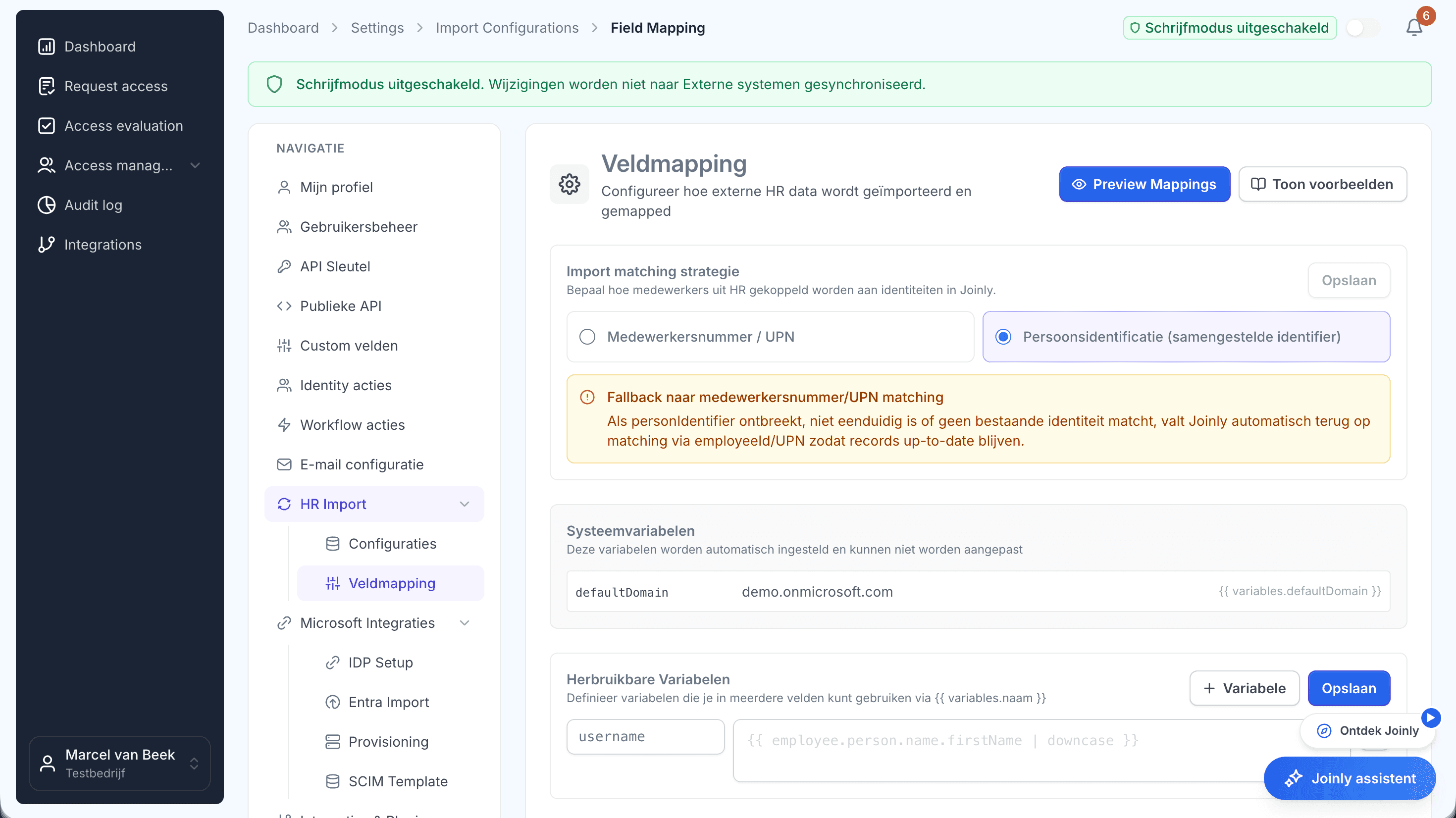
  1. Ask HR how the system handles rehires. Does a rehire get their old employee number back, or a new one? Some HR systems give a new number per employment. Then the employee number alone is not a reliable key, and you need a number at person level.
  2. Search before you create an account. Check by employee number, and then by name and date of birth, whether the person already has an account, active, disabled or deleted. If you find one, follow the route from the table above.
  3. Put the employee number on every account. An account without employeeId is an account you will not find again for a rehire.
  4. Agree who decides. If you are unsure whether it is the same person, HR decides.

Which other HR fields you need for provisioning is covered in HR fields for provisioning. How to choose a username when the old one is taken is in username and email address.

A rehire's first working day

Treat a rehire on the first day as a new employee, with one difference: you start from the existing account. In order:

  1. Look up the existing account or the recoverable remains (account, mailbox, OneDrive) by employee number.
  2. Choose the route: reactivate, restore or a new account.
  3. Remove all groups, roles and application rights from last time.
  4. Grant the access of the new role, with the licences that go with it.
  5. Update job title, department, manager and end date, so they match the new contract.
  6. Reset the password or issue a temporary access code, and have the employee register MFA again. An old phone in the profile may have belonged to someone else for a long time.
  7. Only switch the account on on the first working day.

How to let someone sign in safely with a temporary access code is covered in Temporary Access Pass.

Joinly

A rehire from HR, with today's access

By hand every rehire means a search: does the person already exist, in what state, and what rights are still on the account. With temporary contracts and seasonal work, that happens again every year.

Joinly uses your HR system as the source for who should have an account, also when someone comes back. The access follows from roles on today's HR fields: job title, department and location. What belonged to the previous role and no longer fits is removed. The account is ready a set number of days before the start date and is activated on the first working day. In the trial run of the import you see in advance which accounts will be created, changed or activated, before anything is written.

A workflow can start on an activated identity or a changed field, with a condition on any HR field, for whatever else belongs to a return. If the new contract has an end date, the access expires on that date. In the audit log you see the previous period and the new one for each person.

Het lifecycle-overzicht in Joinly: accounts die elke HR-mutatie automatisch volgenSee identity lifecycle management

What you can count on

  • No vendor lock-inYour identities and your configuration stay yours.
  • Your data out whenever you wantYou can export your data at any time.
  • Standard SLAOur standard SLA is available on request.
  • Support during implementationOur specialists set it up together with you.
  • ISO 27001 certifiedInformation security to an internationally recognised standard.

Rehires

Frequently asked questions

  • Can I restore a deleted user in Entra ID?

    Yes, within 30 days of deletion. In the Entra admin centre go to Users, Deleted users, choose the user and click Restore user. The account comes back with all its properties and licences. After 30 days it is permanently gone.

  • Do I need to create a new account for a rehire?

    Only if the old account no longer exists or can no longer be restored. If it still exists, reactivate it, so the person keeps one account. Do remove all old rights first before you grant the access of the new role.

  • Does a former employee get their old mailbox back?

    Within 30 days of deleting the account, the mailbox comes back with it when you restore the account. After that only if a hold or Microsoft 365 retention policy was on it when they left: then it is an inactive mailbox, which you recover with New-Mailbox -InactiveMailbox.

  • What happens to the OneDrive of a leaver?

    As long as the account has not been deleted, the OneDrive stays; without a valid licence it is archived on the 93rd day. After deletion a retention period of 30 days applies by default, during which the manager has access, followed by 93 days in the recycle bin.

  • How do I prevent duplicate accounts for rehires?

    With a fixed key per person, usually the employee number in the attribute employeeId. Before every new account, search on that key first and on name and date of birth, and ask HR whether a rehire gets their old number back.

Let accounts move along by themselves

Joiners, movers and leavers from HR, with every step in the audit log. Start with demo data in the free trial environment.

No credit card, nothing to install.

Rather talk to someone first? Talk to an IAM specialist