
Identity lifecycle management
Joiners, movers and leavers, handled from HR
Joinly makes your HR system the source for every account. A new colleague has the right access on day one, a change of job takes the old rights away, and everything closes when someone leaves. Without tickets, and with every step in the audit log.
No credit card, nothing to install. Talk to an IAM specialist
- ISO 27001-certified
- Certified by AFAS
- Data in Amsterdam
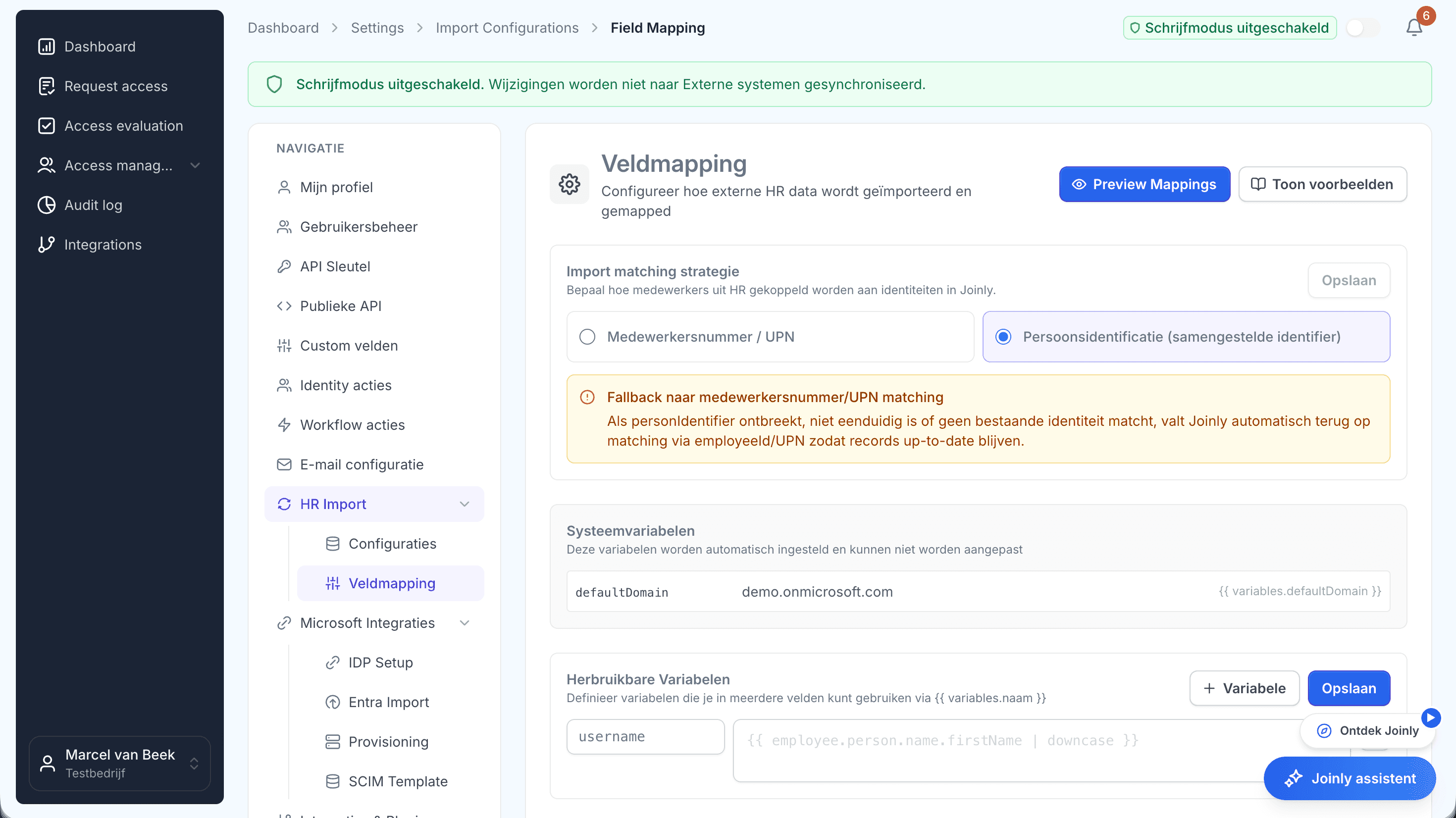
HR knows first. IT hears last.
A change in HR often reaches IT late or not at all. Accounts and rights then no longer match reality, and you fix that by hand.
When someone gets new access without the old access going, rights pile up. And without central logging, an audit takes weeks of digging to show who had access when.
How it works
The three moments of the lifecycle
Step 1
Joiners: ready for the first working day
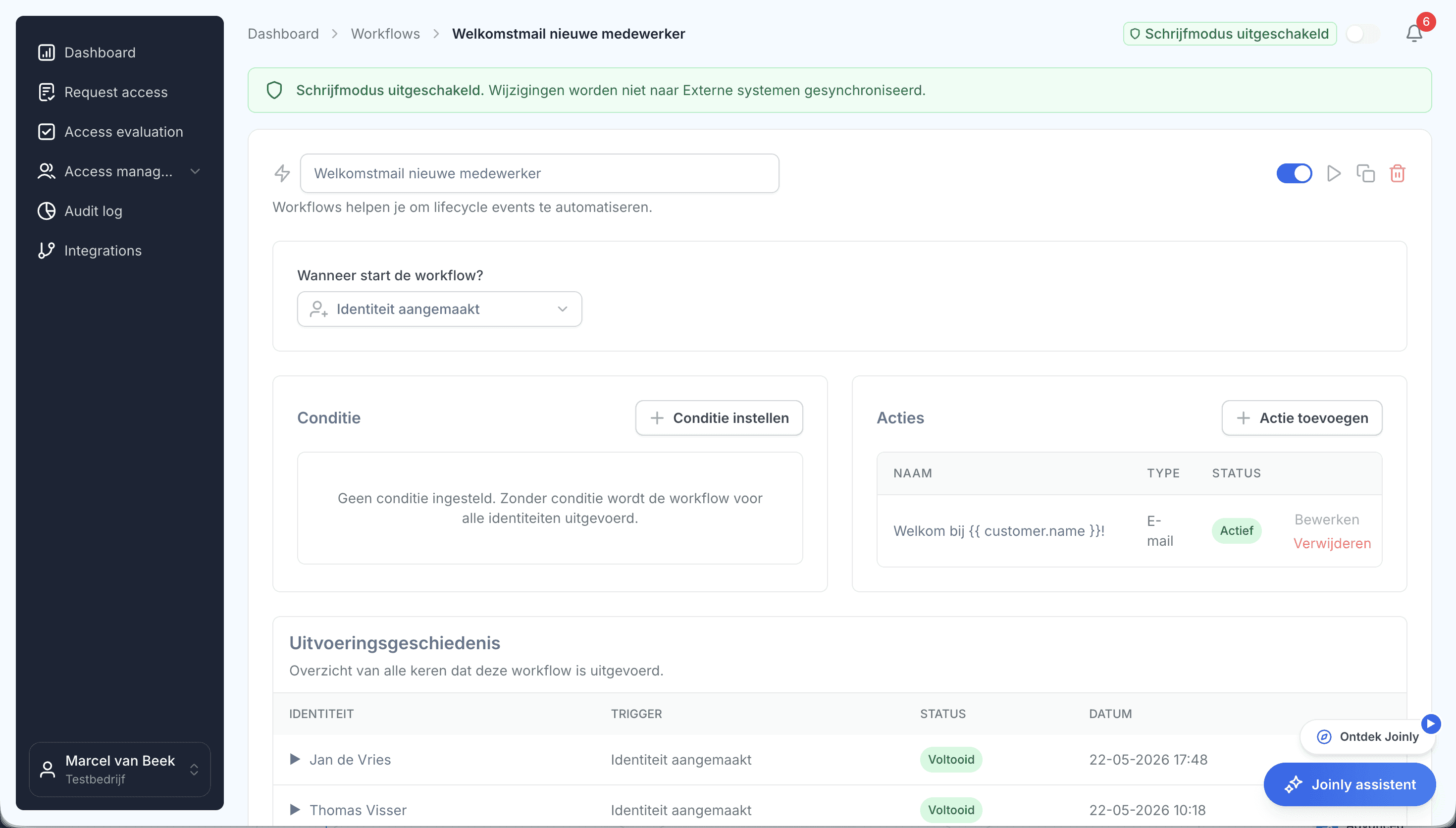
A new employee in HR becomes an account with the right roles, groups and licences, a welcome email to the private address and a ticket for the laptop.
With AFAS, Nmbrs, Visma, YouForce, Workday and Dayforce among the sources.
Step 2
Movers: access that moves along
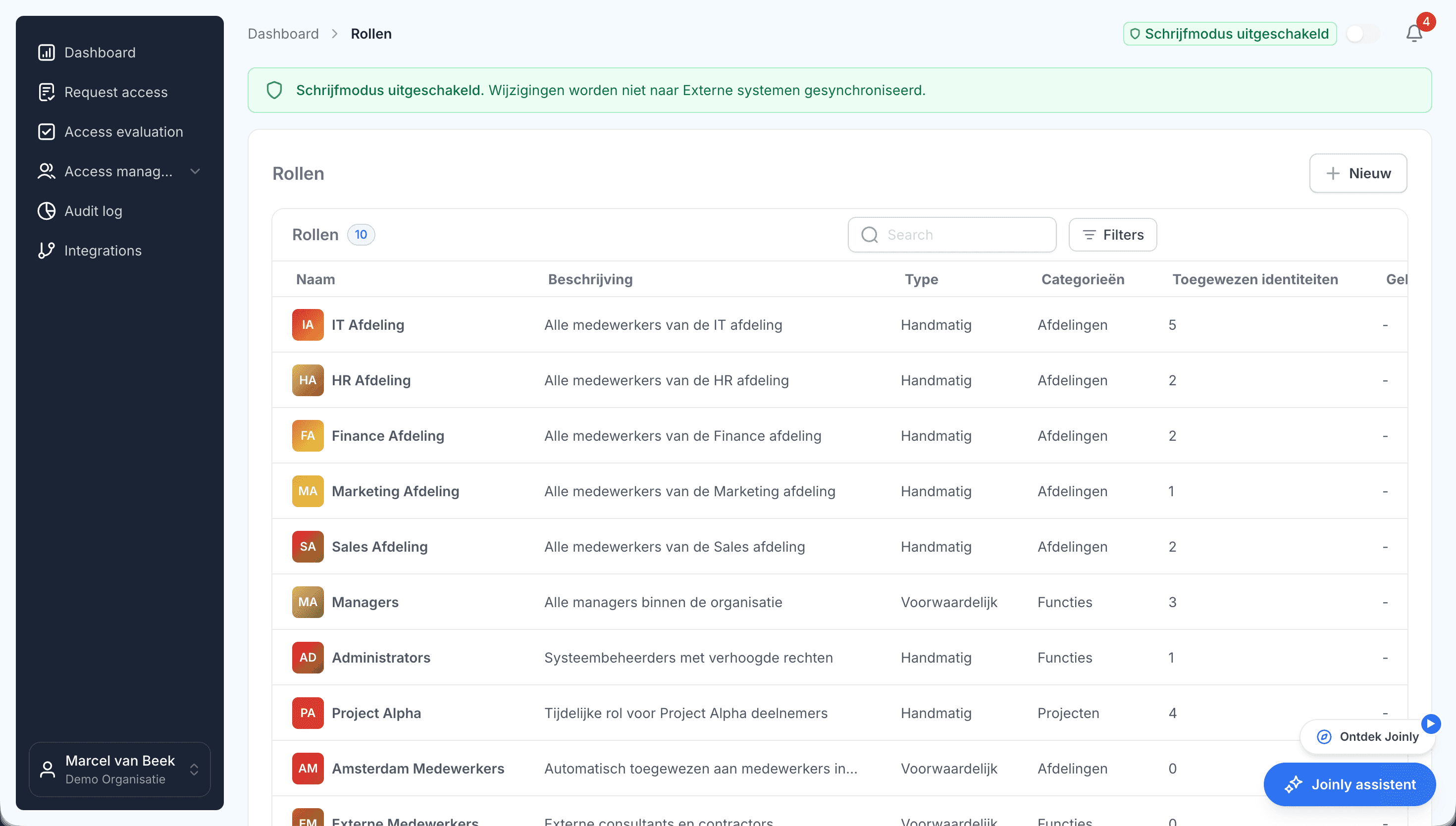
When the job or department changes in HR, the roles that no longer fit lapse, the new ones are added and the manager is updated. Rights do not pile up.
Step 3
Leavers: closed on the last day
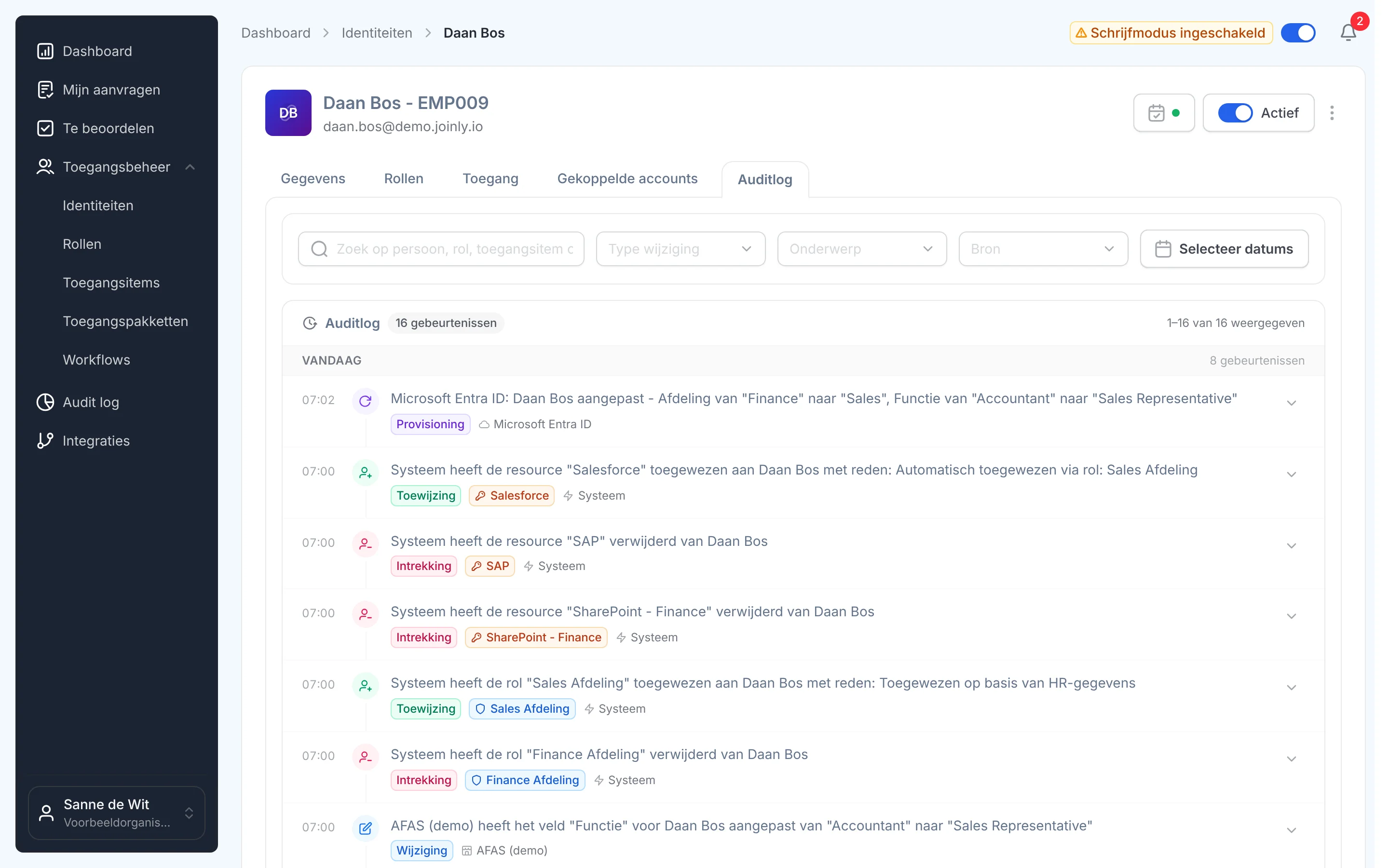
On the leaving date the account is disabled, sessions are revoked and licences are freed. The out-of-office points to the manager and the service desk gets a ticket for the hardware.
What it delivers
For IT
Fewer tickets, less repair work
Onboarding, job changes and offboarding run by themselves. You keep time for work that really matters.
For HR
Enter it once
A change in HR flows through to IT, without double entry or separate tickets. New colleagues can get started straight away.
For security and compliance
Always audit-ready
Every lifecycle action is in the audit log. That fits NIS2 and ISO 27001, and an audit becomes a matter of looking it up.

Ask away
Frequently asked questions about lifecycle management
What is identity lifecycle management?
Managing accounts automatically throughout an employee's whole career: from joining, through changes of job, to leaving. Based on HR data, accounts, rights, licences and application access are created, changed or revoked.
Which HR systems work with Joinly?
Among others AFAS, Nmbrs, Visma, YouForce, Loket.nl, Workday, Dayforce and Dynamics 365. Every integration is on the integrations page.
Does it work with on-premises Active Directory too?
Yes. With the Joinly Agent you manage accounts and groups in on-premises or hybrid Active Directory, alongside Microsoft Entra ID.
What happens to the mailbox when someone leaves?
The out-of-office is switched on, pointing to the manager. You can prepare archiving the mailbox as a task that waits for IT's approval.
Can I show who had access when?
Yes. Every lifecycle action is in the audit log, with the time, the system and who carried it out. You search by employee and filter by source or period.
More of the product
- WorkflowsEverything that follows a change
- Roles and RBACAccess that follows the job
- Role miningRoles from the access that is there
- Authorisation matrixAlways current, exportable
- Segregation of dutiesStop conflicting rights
- Logging and auditingWho, what, when and why
- Application integrationsAccounts in every application
- SCIM gatewayOne standard for provisioning
See the lifecycle at work yourself
In your free trial environment you see with demo data how a new employee joins, changes jobs and leaves.
No credit card, nothing to install.
Rather talk to someone first? Talk to an IAM specialist