Onboarding
IT onboarding checklist: everything ready for the first working day
A new employee knows on their first morning whether IT was on time. This checklist goes through the steps that takes, and shows for each step what Joinly does as soon as the employee is in HR.
The short answer
An IT onboarding checklist contains the steps a new employee needs to be able to work on day one: an account that follows the naming convention, the right groups and Teams, a licence, a secure first sign-in, access to the applications, hardware and a welcome email. With Joinly, the registration in HR starts those steps, and the employee gets the access that belongs to their job.
Why the first day so often disappoints
The information comes late, and when it does, something is missing: the job title, the department or the manager. So someone creates the account on the morning itself, and copies the permissions of a colleague who does roughly the same work.
That copying is the start of a problem that comes back years later in an audit. The colleague had permissions from three earlier roles, and now they pass on to someone who never asked for them.
Permissions that belong to the job
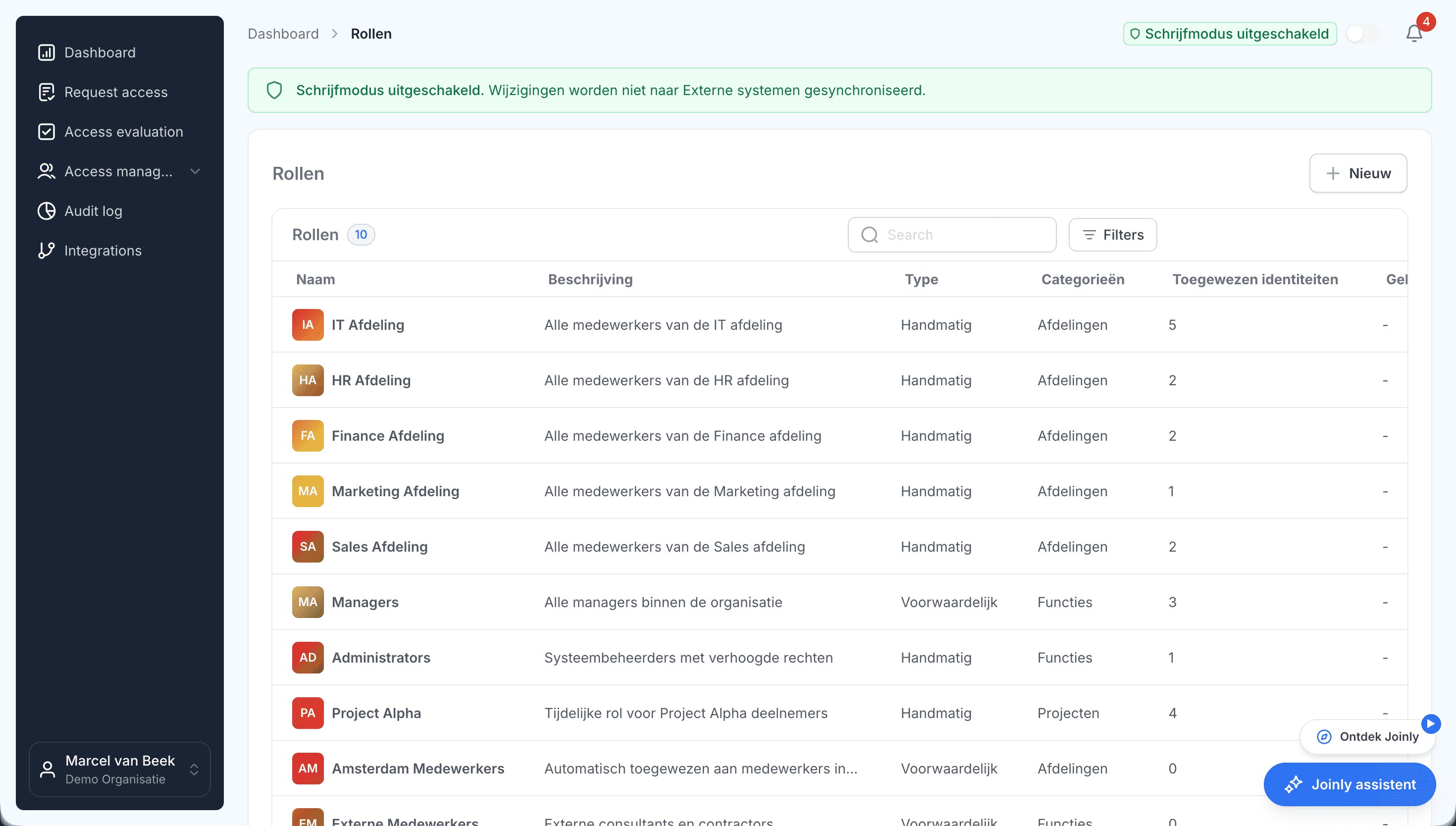
With Joinly, the registration in HR is the trigger, and the job title, department and location determine the access. The account is created following your client's naming convention, with the groups and Teams that belong to the role and the licence that goes with it. Nothing is copied.
Anything a person has to do, such as ordering or setting up a laptop, lands as a task in the service desk, in TOPdesk or Freshservice. The welcome email can go out from your client's own mail environment if you like.
Secure sign-in on day one
A password in an email to the manager is exactly what you do not want. Joinly can issue a Temporary Access Pass that the employee uses to sign in for the first time and set up their own MFA, and send it to the employee by text message.
The checklist
The IT steps when someone joins, why they matter and what Joinly does with them.
Step
Why
With Joinly
- Create the account
- Why: Following your client's agreements
- With Joinly: From HR, following the client's naming convention
- Manager and department
- Why: For approvals and the address book
- With Joinly: Taken from HR
- Groups and Teams
- Why: Access to the data that belongs to the work
- With Joinly: Based on the role
- Licence
- Why: Mail, Office and the rest of Microsoft 365
- With Joinly: Belongs to the role
- First sign-in
- Why: Set up MFA securely
- With Joinly: A Temporary Access Pass, by text message
- Applications
- Why: Access to the department's systems
- With Joinly: Through the connection or as a task in the workflow
- Laptop and phone
- Why: Ordered and set up in time
- With Joinly: A task in TOPdesk or Freshservice
- Welcome email
- Why: Everything the employee needs to get started
- With Joinly: From the client's mail environment if you like
- Record it
- Why: Who got what and when
- With Joinly: Every step in the audit log
Onboarding
Frequently asked questions
What belongs on an IT onboarding checklist?
An account that follows the naming convention, manager and department, groups and Teams, a licence, a secure first sign-in, access to the applications, hardware and a welcome email. With Joinly, the registration in HR starts those steps.
When is the account ready?
As soon as the employee is in HR. You decide per client how many days before the start date the account is ready.
Why not copy permissions from a colleague?
Because you then also copy everything that colleague has kept from earlier roles. With roles based on job title, department and location, a new employee only gets what belongs to their work.
How does a new employee sign in securely for the first time?
With a Temporary Access Pass that Joinly issues and can send by text message. The employee uses it to set up their own MFA.
Does this also work with on-premises Active Directory?
Yes. At a client with on-premises Active Directory, the Joinly Agent runs with outbound traffic only.
- Joinly for MSPsFor an MSP, every joiner and leaver at a client is a ticket, a checklist and work that is hard to bill for. Joinly picks up those changes from your client's HR system and handles accounts, groups, licences and access automatically. For all your clients, from one login, with each client in its own environment.
- IT offboarding checklistWhen someone leaves, IT has one question to answer: can this person still get into anything after their last day? This checklist goes through the steps that takes, and shows for each step what Joinly does as soon as the end date is in HR.
- Onboarding and offboardingAn onboarding checklist per client and an offboarding ticket that arrives too late: for most MSPs, that is the work that comes back most often. With Joinly it starts as soon as your client records an employee in HR, and it follows the whole lifecycle.
- Access control matrix per clientAlmost every organisation has an access control matrix somewhere: a spreadsheet with job roles in the rows and systems in the columns. And almost everywhere it lags behind what is actually set up. With Joinly the matrix becomes the place access comes from, so it never lags behind again.
Account management for your clients as a standard service?
In an introduction we walk through how Joinly would work for your clients: which HR systems, which environments and where you want to start. We agree the terms of a partnership in the same conversation.
Book an introduction