Offboarding
IT offboarding checklist: everything closed on the last working day
When someone leaves, IT has one question to answer: can this person still get into anything after their last day? This checklist goes through the steps that takes, and shows for each step what Joinly does as soon as the end date is in HR.
The short answer
An IT offboarding checklist contains the steps that make sure a leaving employee can no longer get into anything: block sign-in, revoke sessions, remove groups and permissions, free up the licence, deal with the mailbox, collect devices and record what happened. With Joinly, the end date in HR starts those steps on the last working day, and every step goes into the audit log.
Why offboarding is where things go wrong
When someone joins, there is a person waiting to start, so the ticket comes in by itself. When someone leaves, nobody is in a hurry except IT. The message comes late, sometimes only once the laptop is already on the manager's desk, and sometimes not at all.
Every step that gets skipped then stays open: an account that still works, a phone that is still signed in, a licence that keeps running. In an audit or an incident, that is the first thing anyone asks about.
The end date in HR as the trigger
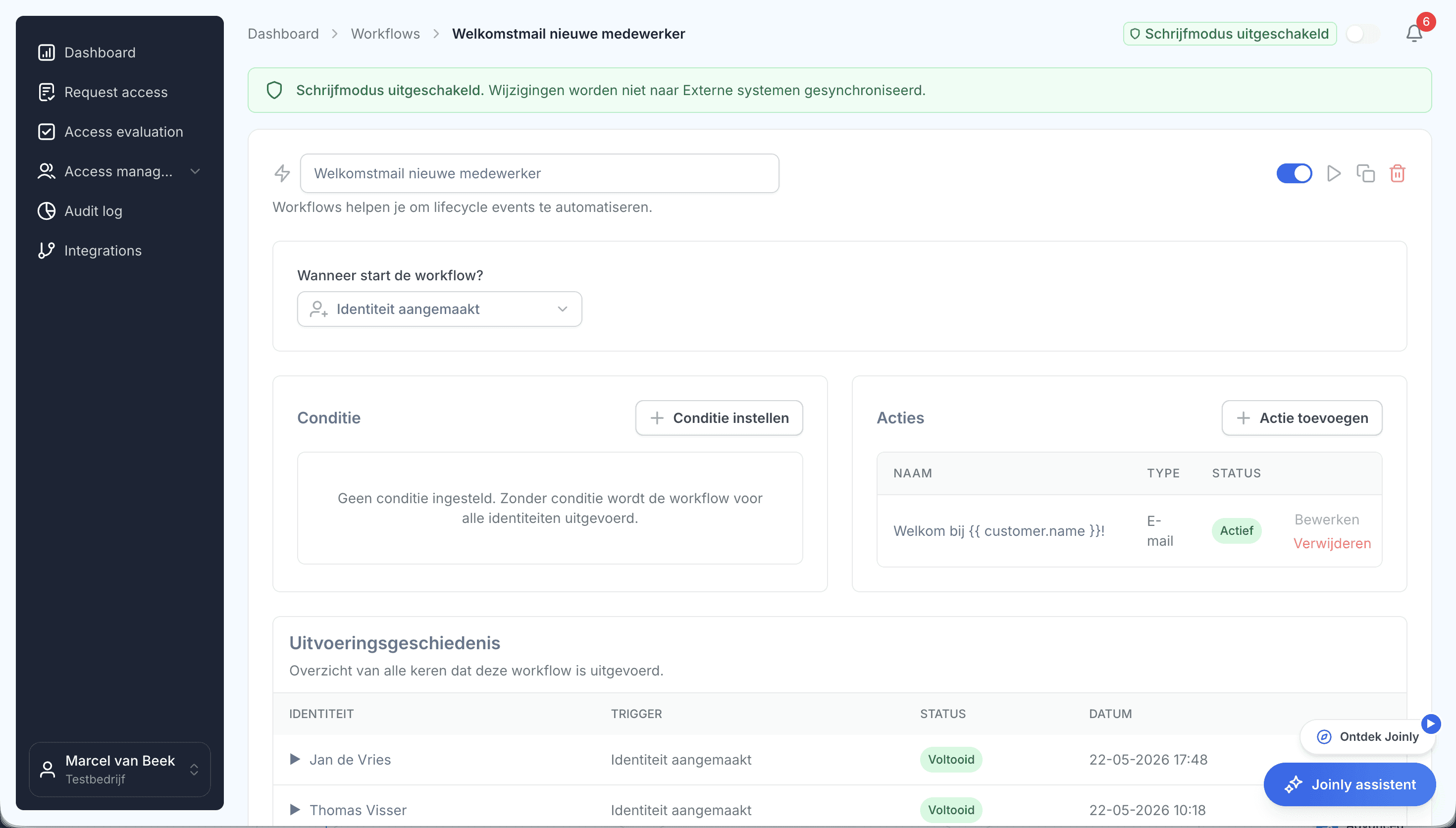
With Joinly, nobody has to remember. Once the end date is in HR, offboarding runs on the last working day: the account is blocked, active sessions are revoked, memberships of groups, Teams and SharePoint are removed and the licence is freed up for the next employee.
Anything a person has to do, such as collecting a laptop, lands as a task in the service desk, in TOPdesk or Freshservice. Which steps apply at which client, you set per client in the workflow.
What happens to the mailbox and the calendar
The correspondence of a leaving colleague often needs to stay, just not their access to it. The workflow converts the mailbox into a shared mailbox for the manager, sets an out-of-office reply pointing to whoever takes over and clears the calendar, so no meetings are left standing with someone who is no longer there.
When it cannot wait
Sometimes an account has to close immediately, without waiting for an end date. Then you block it in Joinly straight away: account off, sessions revoked, with the reason recorded in the audit log.
The checklist
The IT steps when someone leaves, why they matter and what Joinly does with them.
Step
Why
With Joinly
- Block sign-in
- Why: The account must stop working after the last day
- With Joinly: On the end date from HR
- Revoke sessions
- Why: A phone or laptop may still be signed in
- With Joinly: At the same time as blocking
- Groups, Teams and SharePoint
- Why: Access to shared data stops
- With Joinly: Memberships are removed
- Free up the licence
- Why: A licence for someone who has left costs money
- With Joinly: Freed up for the next employee
- Mailbox
- Why: The correspondence stays, the access does not
- With Joinly: Converted to a shared mailbox for the manager
- Out-of-office reply and calendar
- Why: Senders know who to contact instead
- With Joinly: Out-of-office reply with a referral, calendar cleared
- Collect devices
- Why: Laptop and phone come back
- With Joinly: A task in TOPdesk or Freshservice
- Applications outside Microsoft
- Why: The account has to go there too
- With Joinly: Through the connection or as a task in the workflow
- Record it
- Why: Evidence for your client, an audit or NIS2
- With Joinly: Every step in the audit log
Offboarding
Frequently asked questions
What does IT need to do when an employee leaves?
Block sign-in, revoke sessions, remove groups and permissions, free up the licence, deal with the mailbox and calendar, collect devices and record what happened. With Joinly, that happens on the end date from HR.
When should an account be closed?
On the last working day. Joinly follows the end date in HR for that, so the account closes neither earlier nor later than agreed.
Should you delete an account or block it?
Usually block it first and delete it later, so you can still hand over the mailbox and files. In the workflow you set per client what happens when.
What happens to the mailbox of an employee who has left?
You decide that per client. The workflow can convert the mailbox into a shared mailbox for the manager, set an out-of-office reply and clear the calendar.
Can an account be closed immediately?
Yes. You block the account in Joinly straight away, revoke the sessions and record the reason in the audit log.
How do I show that an offboarding went right?
With that client's audit log. It shows for each step what happened, when, and that it came from HR.
- Joinly for MSPsFor an MSP, every joiner and leaver at a client is a ticket, a checklist and work that is hard to bill for. Joinly picks up those changes from your client's HR system and handles accounts, groups, licences and access automatically. For all your clients, from one login, with each client in its own environment.
- IT onboarding checklistA new employee knows on their first morning whether IT was on time. This checklist goes through the steps that takes, and shows for each step what Joinly does as soon as the employee is in HR.
- Onboarding and offboardingAn onboarding checklist per client and an offboarding ticket that arrives too late: for most MSPs, that is the work that comes back most often. With Joinly it starts as soon as your client records an employee in HR, and it follows the whole lifecycle.
- Cleaning up stale accountsAlmost every environment has accounts that no longer belong there: of people who left long ago, of a test that was never finished, of a connection nobody remembers. As long as they are there, they are a way in. This is how you find them, and how you make sure they do not come back.
Account management for your clients as a standard service?
In an introduction we walk through how Joinly would work for your clients: which HR systems, which environments and where you want to start. We agree the terms of a partnership in the same conversation.
Book an introduction