Stale and orphaned accounts
Find and clean up stale accounts at your clients
Almost every environment has accounts that no longer belong there: of people who left long ago, of a test that was never finished, of a connection nobody remembers. As long as they are there, they are a way in. This is how you find them, and how you make sure they do not come back.
The short answer
Stale or orphaned accounts are accounts that no longer belong to an active employee or a known purpose. You find them by putting the accounts in Microsoft Entra ID and Active Directory next to the HR system: anything without an active employment and without an owner stands out. With Joinly you do that per client, and because the lifecycle then runs from HR, no new ones appear.
Where stale accounts come from
They appear without anyone doing anything wrong. A leaver that never came in as a ticket. A contractor whose assignment has ended. A test account from an implementation, a shared account for a scanner, a service account for a connection that stopped running years ago.
Each account on its own looks harmless. Together they form a part of the environment that nobody looks at, and that is exactly the part an attacker looks for.
Why they matter
An account nobody uses is also an account nobody notices when it is misused. A stale account with a licence costs your client money every month. And in an audit or a NIS2 questionnaire, one of the first questions is how you know that employees who have left can no longer get into anything.
Finding them: HR next to the directory
Joinly fetches the accounts and groups from Entra ID or Active Directory and puts them next to HR. Whatever belongs to a current employee is accounted for. Whatever belongs to someone who has left, or to nobody, stands out.
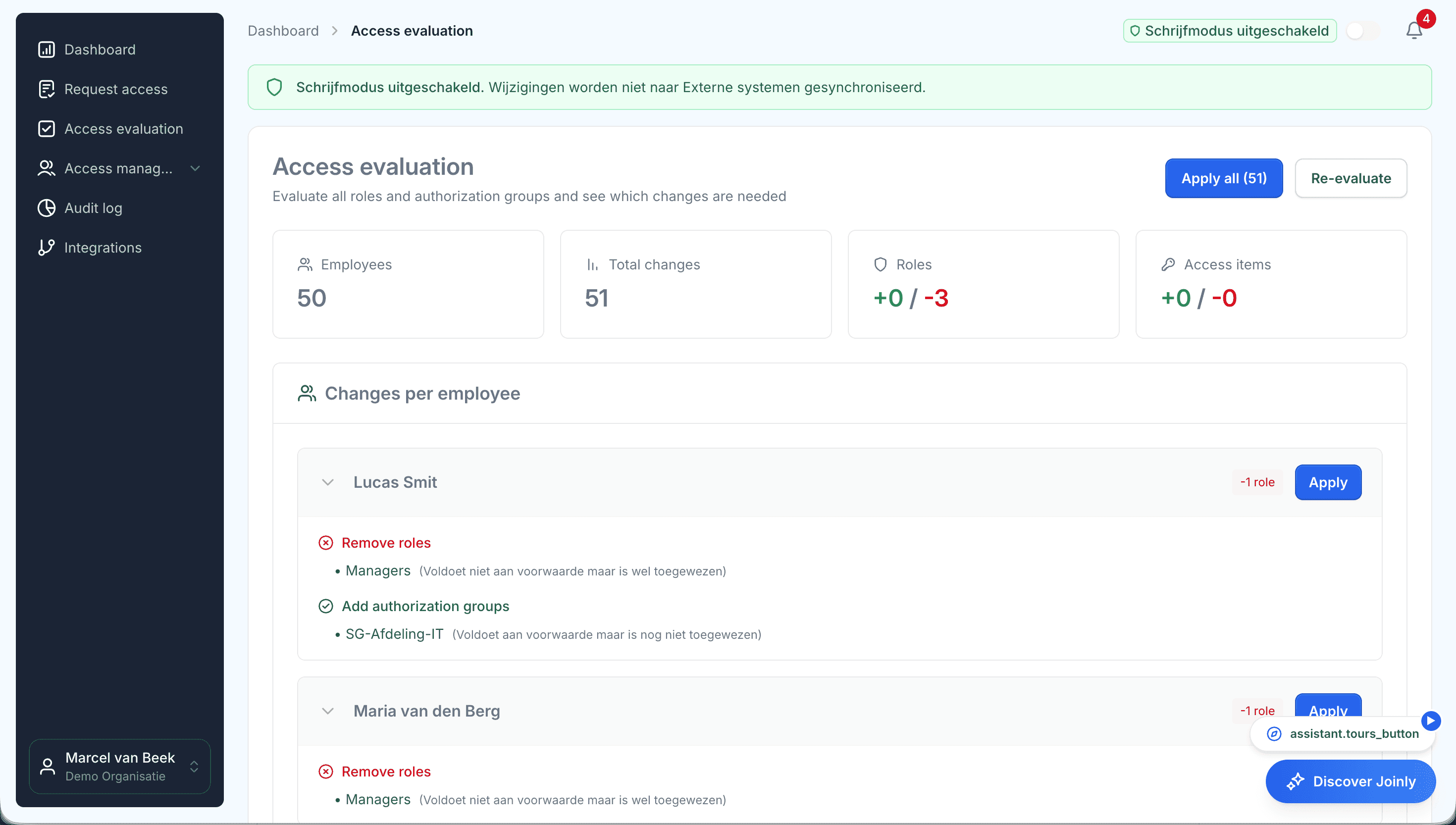
The access review goes one step further. It shows per person which access was granted outside the roles. That is usually the most interesting category: access nobody remembers the reason for.
Cleaning up, and making sure it does not come back
Whatever is no longer needed gets closed. Whatever is needed but does not come from HR, such as a service account, gets an owner and an end date. A trial import shows you in advance what will happen, so you decide together with your client.
After that, the lifecycle runs from HR. Whoever leaves loses their access on the last day, and temporary accounts close on their end date. That way no new stale accounts appear.
Stale and orphaned accounts
Frequently asked questions
What is a stale account?
An account that still exists but is no longer used or no longer needed, for example of an employee who has left or a test that has finished.
What is an orphaned account?
An account without an owner: no current employee belongs to it and nobody is responsible for it. It is often a shared account, a service account or an account of someone who has left.
How do I find accounts of former employees in Entra ID?
By putting the accounts next to the HR system. An account without an active employment behind it belongs to someone who has left, or to nobody. Joinly makes that comparison per client.
What do you do with service accounts?
They get an owner, a reason and an end date. That way you know why every account is there, and it is looked at again as the end date approaches.
How do you stop new stale accounts from appearing?
By letting the lifecycle run from HR. Whoever leaves loses their access on the last day, and temporary accounts close on their end date.
- Joinly for MSPsFor an MSP, every joiner and leaver at a client is a ticket, a checklist and work that is hard to bill for. Joinly picks up those changes from your client's HR system and handles accounts, groups, licences and access automatically. For all your clients, from one login, with each client in its own environment.
- Onboarding a new clientWhen you take over a client, you also inherit everything that has piled up over the years before you: accounts of former employees, shared logins and groups whose purpose nobody remembers. With Joinly you put HR next to your client's environment in the first few weeks and start with a clean slate.
- User access review per clientThe classic access review is an export sent round to managers who do not recognise the group names. What comes back is a column of ticks. With Joinly you review per client what is actually set up, next to what was intended, and for every difference you see where it comes from.
- IT offboarding checklistWhen someone leaves, IT has one question to answer: can this person still get into anything after their last day? This checklist goes through the steps that takes, and shows for each step what Joinly does as soon as the end date is in HR.
Account management for your clients as a standard service?
In an introduction we walk through how Joinly would work for your clients: which HR systems, which environments and where you want to start. We agree the terms of a partnership in the same conversation.
Book an introduction