Client onboarding
Onboard a new client and know straight away which accounts really belong
When you take over a client, you also inherit everything that has piled up over the years before you: accounts of former employees, shared logins and groups whose purpose nobody remembers. With Joinly you put HR next to your client's environment in the first few weeks and start with a clean slate.
The short answer
When onboarding a new client, what an MSP needs most is an overview: which accounts exist, who they belong to and which ones should still be there. Joinly fetches the existing accounts and groups from Microsoft Entra ID or Active Directory and puts them next to your client's HR system. Accounts without an employee behind them stand out straight away. A trial import shows you in advance what would change, so you can clean up together with your client before the lifecycle from HR is switched on.
What you inherit when you take over a client
A new client almost never comes out of nowhere. There was a previous IT partner, an in-house administrator or a handy colleague who did it on the side. What they left behind is an environment that works, but where nobody knows exactly why every account and every group is there.
From day one, you are the one who answers for it. Your onboarding checklist covers access to the tenant, the backups, the devices and the security settings. The identities are often a single line on it: take over accounts. Which accounts those are, nobody knows at that point.
HR next to your client's environment
Joinly starts by fetching what is already there. The existing accounts and groups come from Microsoft Entra ID or Active Directory, the employees from your client's HR system, and Joinly puts them side by side. Nothing changes in your client's environment during this step.
What comes out falls into three groups: accounts that belong to a current employee, accounts of people who have already left, and accounts with no person behind them at all. Surprises at this stage are normal and actually valuable: they are the accounts nobody remembered the owner of.
Clean up with your client before anything changes
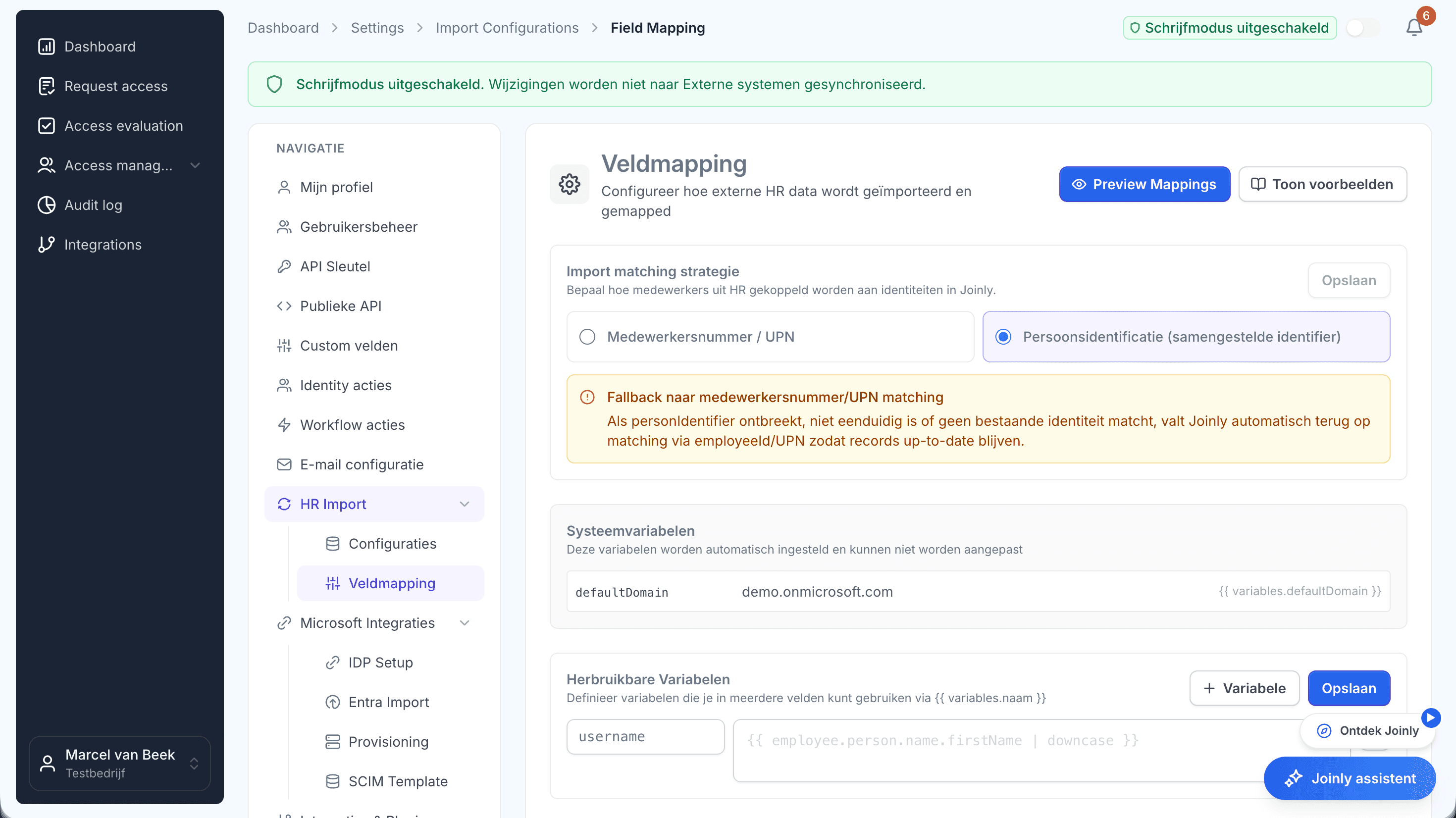
A trial import shows you in advance which accounts would be created, changed or blocked once the connection goes live. You go through that result with your client as an Excel file. That way you decide together what gets closed, and nobody finds out on Monday morning that their account no longer works.
Accounts that do not come from HR, such as a service account or a shared account for reception, get an owner and an end date. After that, a threshold stops any import that suddenly changes far more than you expect.
After that, it runs by itself
Once the environment matches HR, you switch on the lifecycle with your own standard: naming, roles, welcome email and the ticket in your service desk. From then on, access follows whatever changes in HR.
The first access review is your baseline straight away. It shows your client where they stood when you started, and what has improved since.
The identities in your onboarding checklist
What you want to know about accounts at a new client, and how Joinly gives you the answer.
Step
What you want to know
With Joinly
- Fetch existing accounts
- What you want to know: Which accounts and groups are in Entra ID and Active Directory
- With Joinly: Joinly fetches them without changing anything
- Put them next to HR
- What you want to know: Which accounts belong to a current employee
- With Joinly: Joinly links each account to the employee in HR
- Former employees
- What you want to know: Who has left and still has an account
- With Joinly: Accounts without an active employment stand out
- Accounts without an owner
- What you want to know: Service, test and shared accounts
- With Joinly: They get an owner and an end date
- Trial import
- What you want to know: What changes when the connection goes live
- With Joinly: Visible in advance, as an Excel file to go through with your client
- Baseline
- What you want to know: Where your client stood when you started
- With Joinly: The first access review and the audit log
Client onboarding
Frequently asked questions
What does onboarding a new client involve for an MSP?
Access to the tenant, backups, devices, security settings and documentation, and the identities: which accounts exist, who they belong to and which ones should still be there. You do that last part with Joinly by putting HR next to Entra ID or Active Directory.
Can we just look first, without changing anything?
Yes. Joinly fetches the existing accounts and puts them next to HR without changing anything in your client's environment. A trial import then shows you in advance what would change.
What do we do with accounts that do not come from HR?
They get an owner and an end date. That way service accounts, shared accounts and contractors follow the same lifecycle and close by themselves when they are no longer needed.
Does this also work if the client still has on-premises Active Directory?
Yes. The Joinly Agent then runs at that client, with outbound traffic only. No VPN and no inbound port.
How long does onboarding the identities take?
That mostly depends on how well HR and your client's environment match up. Most of the time goes into working through the trial import with your client.
- Joinly for MSPsFor an MSP, every joiner and leaver at a client is a ticket, a checklist and work that is hard to bill for. Joinly picks up those changes from your client's HR system and handles accounts, groups, licences and access automatically. For all your clients, from one login, with each client in its own environment.
- Cleaning up stale accountsAlmost every environment has accounts that no longer belong there: of people who left long ago, of a test that was never finished, of a connection nobody remembers. As long as they are there, they are a way in. This is how you find them, and how you make sure they do not come back.
- An HR integration per clientOne client uses AFAS, the next Nmbrs and a third a system you have never heard of. For an MSP, that is normal. Joinly connects them all to Microsoft Entra ID or Active Directory in the same way.
- Multi-tenant identity managementYou probably have tenant management sorted already. What most MSPs do not do from one place is keep track of who should have an account at each client. That is where Joinly sits alongside your existing tooling.
Account management for your clients as a standard service?
In an introduction we walk through how Joinly would work for your clients: which HR systems, which environments and where you want to start. We agree the terms of a partnership in the same conversation.
Book an introduction