Sector solution · Municipalities & local government
IAM in government
Within government, you process sensitive citizen data daily, spread across many departments, chain partners, and external hires. Joinly links your HR system to Microsoft Entra ID or Google Workspace, ensuring employee accounts and access are managed automatically, securely, and verifiably. Ready for the Baseline Information Security Government (BIO) and the Cybersecurity Act.
Take the IAM quick scan


Who is this for?
Joinly works for any government organisation that wants to manage employee account management centrally and securely, while maintaining autonomy per department or business unit.
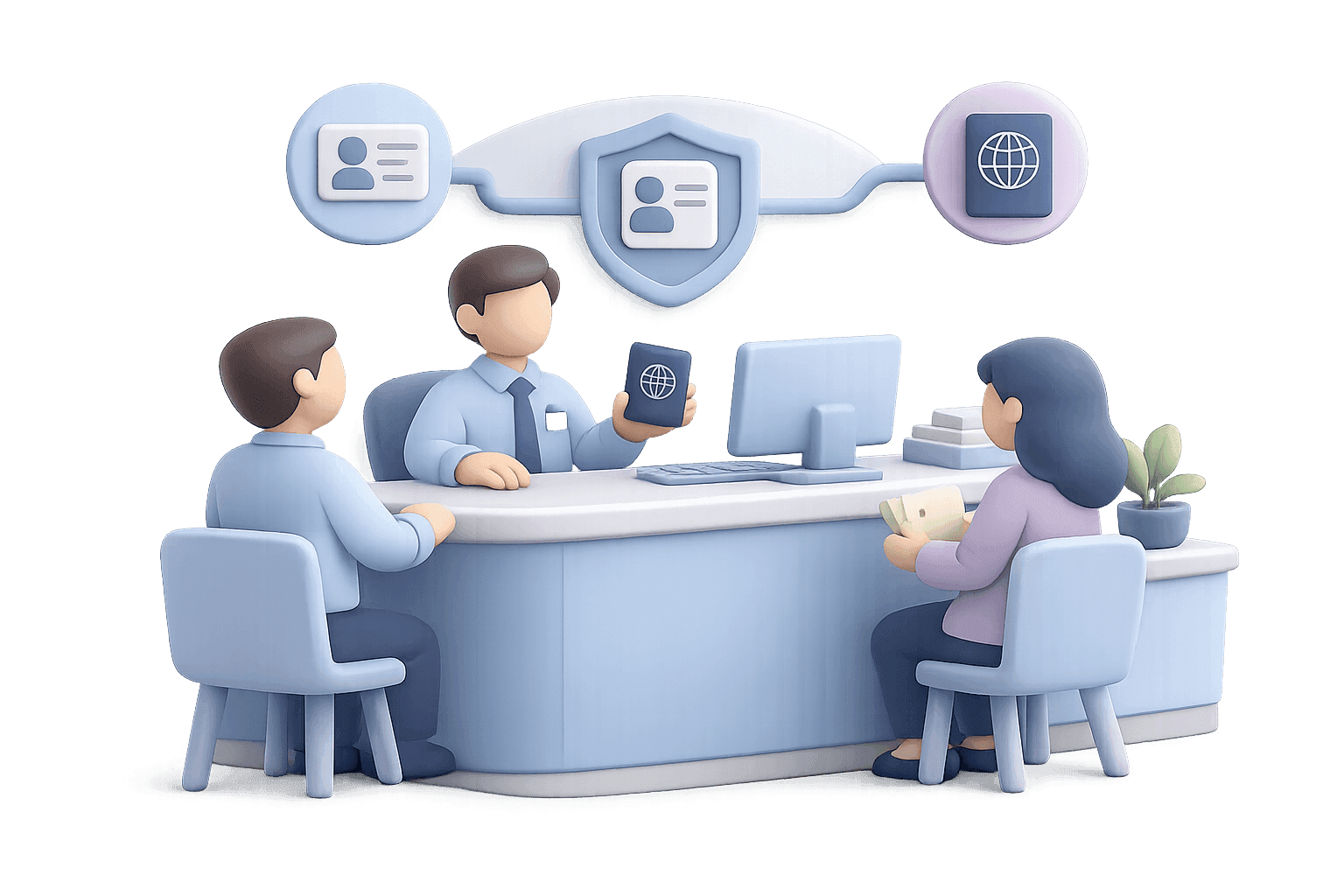
Municipalities
Municipal organisations with many departments, a large application landscape and continuous inflow and outflow of permanent and hired employees, who are annually accountable via ENSIA and fall under the Baseline Information Security Government (BIO).

Provinces and water boards
Decentralised governments that, like municipalities, fall under the Baseline Information Security Government (BIO) and are automatically designated as an essential entity by the Cybersecurity Act.
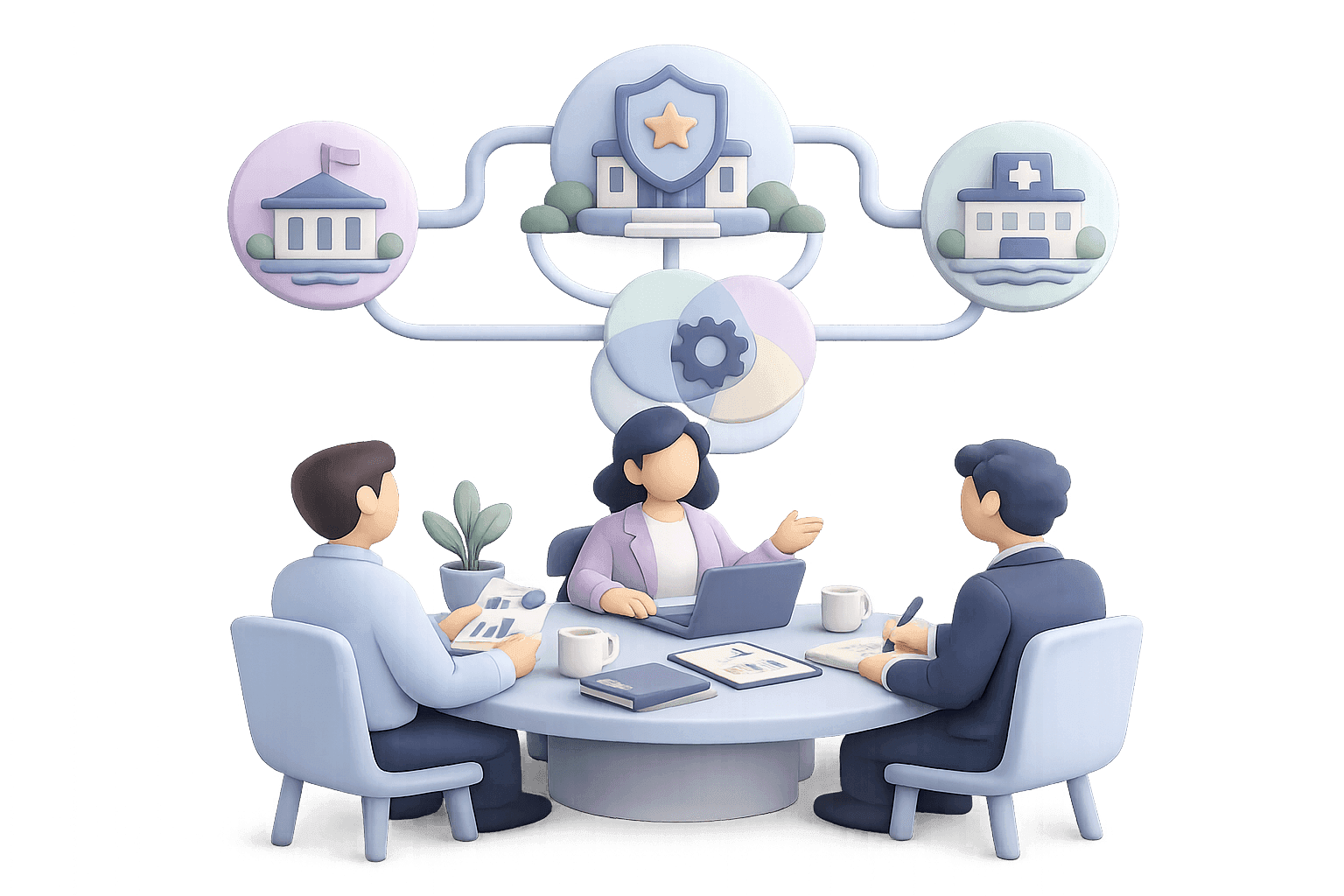
Joint arrangements
Collaborative partnerships such as environmental services, safety regions, and public health services (GGDs), featuring mixed teams from multiple parent organisations and therefore extra challenges regarding access management.
Executive organisations and sheltered workshops
Connected parties and municipal executive bodies, with many rotating employees and their own applications that still connect to the central working environment.
What is IAM in government?
More and more government organisations are facing the same challenge: you must work digitally secure and be able to demonstrate this, but no one knows exactly whether it is good enough.
Identity and Access Management (IAM) is the set of processes that governs who has access to which systems, and why. Within government, this is difficult because employees work across many departments and chain partners, because there is high reliance on external hires, and because the inflow and outflow of staff is continuous.
Properly managed IAM means that the creation, modification, and removal of accounts is handled automatically and verifiably.
Why IAM is essential for government
The government runs on trust and diligence with citizen data. IAM is central to this.

Strong access security
With smart access rules and strong authentication, you keep unauthorised people away from sensitive systems and the personal data of citizens.

Least privilege access
Employees only get the permissions they really need for their role and department.

Automated lifecycle management
Accounts are created, move along and are closed with every staff change, including for hired staff and employees who work for several units, without manual work.

Demonstrably in control
Logging and reporting show who had access, when and why, which is essential for accountability through ENSIA and for supervision under the Cybersecurity Act.
Ready for every framework and regulation
IAM is an integral part of government frameworks
Digital security is not optional for the government. Access management is a standard component within the sector's frameworks, and well-organised IAM is exactly what is needed.
Baseline Information Security Government (BIO)
The Baseline Information Security Government (BIO) is the mandatory standards framework for the central government, municipalities, provinces, and water authorities. Its successor, BIO2, aligns with international information security standards (NEN-EN-ISO/IEC 27001:2023 and 27002:2022) and is risk-based. For municipalities, BIO 1.04 formally remains in force as mandatory self-regulation until the Cybersecurity Act takes effect. Access management, featuring role-based access, least privilege, and logging, is a core component of this baseline.
Cybersecurity Act (NIS2)
The Cybersecurity Act is the Dutch implementation of the European NIS2 directive. The House of Representatives passed the act on 15 April 2026; it is expected to take effect around 1 July 2026, subject to its passage through the Senate. Municipalities, provinces, water boards and most joint arrangements are automatically designated as an essential entity, regardless of their size. This comes with proactive supervision: compliance is actively checked, even without an incident. With automated provisioning, least privilege, logging and demonstrable reporting, Joinly covers the access management requirements for employees from these frameworks.
With automated provisioning, least privilege, logging and demonstrable reporting, Joinly covers the access control standards of these frameworks.
How Joinly helps
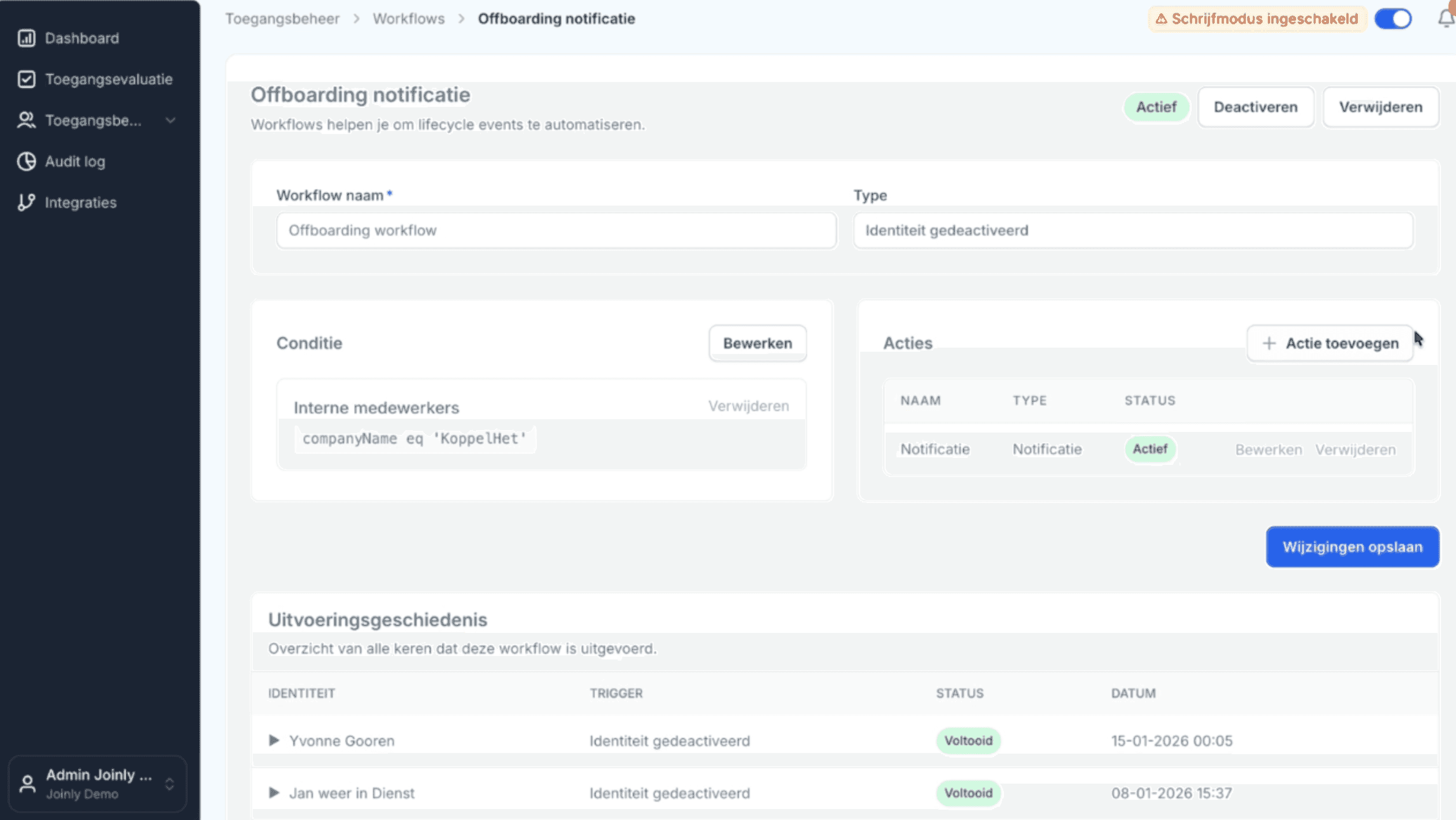
Joinly works as a control and automation layer on top of Microsoft Entra ID or Google Workspace, powered by your HR system.


HR-driven provisioning
We connect your HR system to the working environment, so that:
- accounts are created automatically when someone joins
- access is blocked immediately when someone leaves
- a change of role automatically leads to the right access
Role and access governance
Roles linked to job title and to department or business unit:
- caseworker, policy officer, front desk employee and team leader each with the right profile
- a transparent translation from role to permissions
Logging & Compliance reporting
we collect and structure provisioning logs, audit trails and exception reports
- access and changes are visible for audits and incident response
- compliance with the standards framework is demonstrable
SCIM & application integrations
Users automatically linked to applications for public services and business operations:
- no silos outside the central working environment
- full control over access
Where governments often get stuck
 Manual account creation and offboarding, done slightly differently in each department.
- No central role structure (RBAC); fragmented management, leaving the organisation without an overview.
- Limited ability to log access and account for it.
- Standalone applications without a connection to HR or the authorisation process.
What you achieve with well-managed IAM
Prepare your government organisation for secure access, reduced administrative burden, and smooth audits.
Ready for the baseline and the law:
your IAM is set up for the requirements of the BIO and the Cybersecurity Act, so ENSIA accountability and audits take less time and less corrective work.
Less administrative burden:
administrators and the information management department save time because joiners, changes and leavers are processed automatically.
Automated lifecycle management:
Joining, changes of role and leaving are processed automatically in the working environment and connected applications, without manual actions.
Secure, with no accounts left behind:
no forgotten accounts of employees who have left; access always follows the reality in the organisation.


IAM scan for government
In 30 minutes we show you how secure your account management is today, and where the quickest wins are.
Schedule a free IAM scan with our experts
Ask away
Frequently Asked Questions
If you're having trouble with the frequently asked questions, feel free to send us a message.
Frequently Asked Questions
No. Joinly focuses on employee account management, driven by your HR system. The accounts and identities of citizens in your public services fall outside that and stay within your own chain.
Joinly integrates with the standard HR systems used by government agencies and translates that data to the work environment. Ask for the current list of integrations.
Yes. Joinly works as a layer on top of both working environments.
Yes. The BIO sets requirements for access management, such as role-based access, least privilege and logging. Joinly automates those processes for employees and makes them demonstrable.
Municipalities, provinces and water boards are automatically designated as an essential entity. Demonstrable access management with logging fits the duty of care and the proactive supervision under that act.
Yes. Because provisioning, changes and revocations are logged, access management is easier to account for in the annual self-assessment.
Yes. Management is central and demonstrable, while departments and units keep their own roles and set-up.
Joinly processes staff data solely to arrange access, with logging and least privilege as the starting point.
As soon as the leaving date is in the HR system, the account is automatically blocked or revoked on that date and the linked permissions are removed, with every step recorded in a log.
Start with the IAM quick-scan or schedule a demo to see where the greatest benefits are.
Knowledge Articles

Hoe richt ik rolgebaseerde toegang (RBAC) en least privilege in bij een gemeente?
Begin bij de functies in je personeelssysteem en vertaal die naar rollen, niet naar losse rechten per persoon. Koppel aan elke rol precies de toegang die de functie nodig heeft, het principe van least privilege. Beheer die rollen centraal en laat een orchestratielaag ze automatisch toekennen en intrekken. Zo blijft toegang voorspelbaar, beperkt en aantoonbaar.
Mike Fraanje · 4 min leestijd

Wat betekent de Cyberbeveiligingswet (NIS2) voor het toegangsbeheer van gemeenten, provincies en waterschappen?
Gemeenten, provincies en waterschappen worden onder de Cyberbeveiligingswet automatisch aangewezen als essentiële entiteit, ongeacht hun omvang, en vallen daarmee onder proactief toezicht. Toegangsbeheer is een vast onderdeel van de zorgplicht: toegang moet beperkt, rolgebaseerd en aantoonbaar zijn. Geautomatiseerd accountbeheer met logging is de praktische manier om daaraan te voldoen.
Mike Fraanje · 4 min leestijd

Hoe trek ik bij uitdiensttreding automatisch alle toegang van een medewerker in?
Koppel het personeelssysteem aan een orchestratielaag boven Microsoft Entra ID of Google Workspace. Zodra de uitdienstdatum in het personeelssysteem staat, trekt die laag op dat moment automatisch het account en alle gekoppelde rechten in, of schort ze op. Zo voorkom je actieve accounts van vertrokken medewerkers en leg je elke wijziging vast in een logboek.
Marcel van Beek · 4 min leestijd

Wat vraagt de Baseline Informatiebeveiliging Overheid op het gebied van toegangsbeheer voor medewerkers?
De Baseline Informatiebeveiliging Overheid vraagt dat toegang voor medewerkers gecontroleerd wordt verleend, beperkt blijft tot wat nodig is voor de functie, periodiek wordt beoordeeld en bij vertrek direct wordt ingetrokken. Kort gezegd: rolgebaseerde toegang, least privilege, logging en een sluitende levenscyclus van accounts. Door het personeelssysteem te koppelen aan de werkomgeving automatiseer je precies die eisen.
Marcel van Beek · 3 min leestijd