
Software
One access process for 3,000 people in a group full of operating companies
A software group made up of many independent companies brings access back to one process. The units keep their own configuration; the rules are the same everywhere.

- employees under management
- 3,000employees under management
- changes a month, handled automatically
- around 250changes a month, handled automatically
- set of rules for every operating company
- Oneset of rules for every operating company
Grown by acquisition, and every company did it its own way
A software group that grows by acquisition collects more than products and customers; it collects ways of working. Every company that joins brings its own history, its own configuration and its own words for roles and departments. What one unit calls a team lead is a manager at another, and at a third the role does not exist at all.
With a few hundred people that is manageable. With three thousand people across dozens of companies it is not. Anyone who wanted to know centrally who could access what had to ask per unit, and the answer was different again the following week. On top of that the group lives in two working environments, Microsoft and Google, so every account had to be right in two places.
What they wanted: the same rules, without levelling the units
The easy answer would have been to force every company into the same structure. In practice that is a project of years, and it is also not what a group wants when it values the character of its units.
So the question to Joinly was a different one: can the translation from HR data into access differ per unit, while the process applying that translation is the same for the whole group? One way for a new employee to join, change role or leave, with each operating company's own interpretation of what exactly belongs with it.
Three thousand people across dozens of companies, and still one answer to the question of who may access what.
What was built: one translation, with its own exceptions per unit
The heart of the configuration is the translation from HR data into roles and groups. Role, department and operating company together determine what access someone gets, and that translation is set down in Joinly, including the exceptions a particular unit needs. A new operating company plugs into that translation; no new process has to be invented for it.
From the same HR source, Joinly sets up the accounts and groups both in the Microsoft environment and in the Google working environment the group uses. A change no longer has to be made in two places, and the two environments can no longer drift apart, because both follow the same source.
On top of that sits one overview across every unit: who has access to what, when it was granted and why. For a group that has to account for itself to customers and auditors, that overview matters as much as the automation itself.
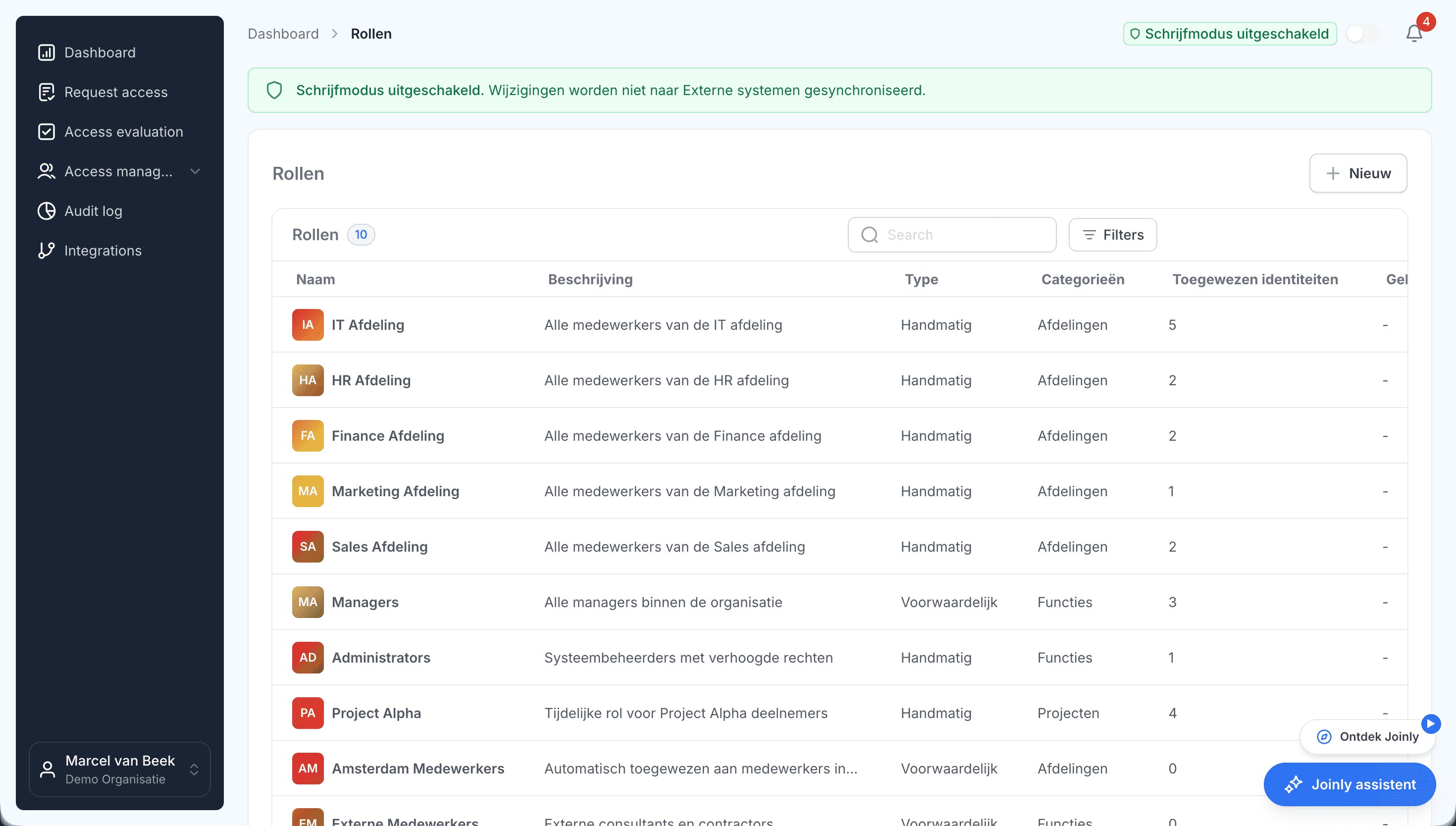
Today: scale without extra administration
Adding a unit means configuring, not extra manual work every month. Around two hundred and fifty changes a month run through the same process, whether they come from the largest company in the group or the smallest.
And the question that used to be asked per unit now has one answer. Who can access what is visible for the whole group in one place, with the reasoning attached. That is what an organisation of this size needs in order to keep growing without its administration growing with it.
What you can count on
- No vendor lock-inYour identities and your configuration stay yours.
- Your data out whenever you wantYou can export your data at any time.
- Standard SLAOur standard SLA is available on request.
- Support during implementationOur specialists set it up together with you.
- ISO 27001 certifiedInformation security to an internationally recognised standard.
Customer stories
More customer stories
Organisations with a similar question, in a different sector.

Koninklijke Oosterhof Holman
From scattered employee data to one reliable basis
around 400 employees
Read the story
DAEL
A foundation under the growth of a group of installation companies
over 300 employees
Read the story
Public sector
Access that follows the job, in an organisation that accounts for itself
more than 600 employees
Read the story
Want to see what this means for your organisation?
Book a 30-minute demo. We walk through your own situation: which HR system you use, which systems need to follow and what can be automated first.
Book a demo