
Overig · Overig
What is Multi-Factor Authentication (MFA)?
Multi-Factor Authentication (MFA) is a security method where users must identify themselves in multiple ways. Besides a password (something you know), this can include an SMS code, app notification, or biometric factor (something you have or are).
Marcel van Beek · CTO · 2 min read
Multi-Factor Authentication (MFA) is a security method that requires users to identify themselves in multiple ways. Besides a password (something you know), this can be an SMS code, app notification, or biometric factor (something you have or are).
MFA reduces the likelihood of a malicious person gaining access with stolen login credentials. Even if a password is leaked, access remains blocked without the second factor.
Organisations often apply MFA to high-risk access points, such as remote logins or admin accounts. In many cloud environments, MFA is now a standard requirement.
Joinly supports MFA policies via Microsoft Entra and can enforce this per group, role, or application. This way, organisations can provide extra protection for sensitive data without sacrificing user convenience.
MFA is not only a technical requirement but also a compliance measure that is increasingly mandated by ISO-27001 and NIS2.
In short: MFA adds an extra layer that prevents one stolen password from granting access to everything.
Explore more blogs
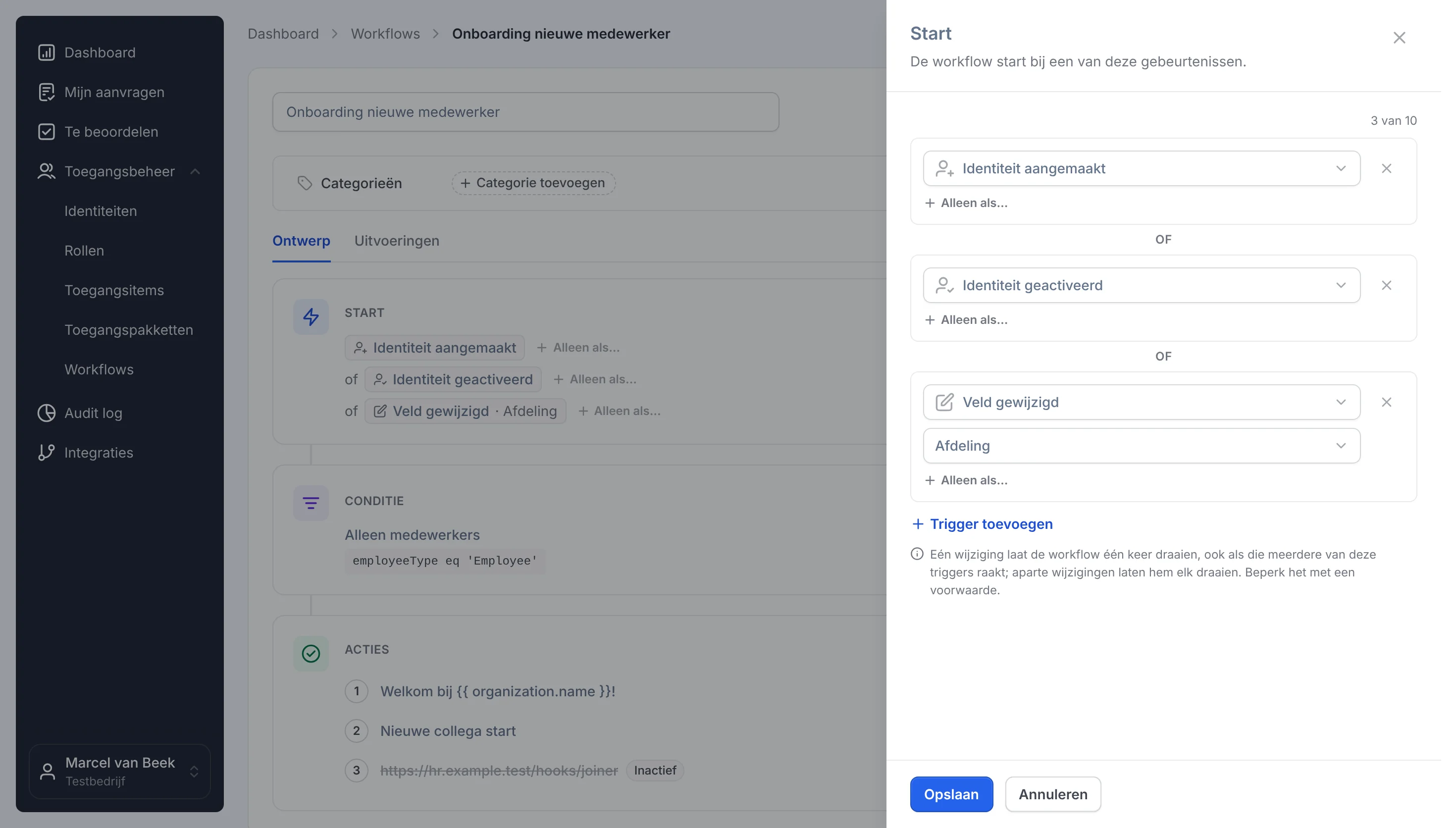
One workflow, several moments: workflows that start on more than one trigger
Created, activated or moved department: one workflow now starts at each of those moments, with a condition of its own per trigger.
Marcel van Beek · 3 min read

Segregation of Duties (SoD): wat het is en hoe je het afdwingt
Wat is segregation of duties (functiescheiding)? Uitleg, voorbeelden en waarom het vaak misgaat. Plus hoe je SoD-conflicten automatisch tegenhoudt.
Marcel van Beek · 4 min read

How do you apply AGDLP in a hybrid Entra/AD environment? (And why you shouldn't want to anymore)
Short answer: preferably not. AGDLP (Accounts → Global groups → Domain Local groups → Permissions) is a concept from the era of manual management. The entire nesting construction exists for one reason: to allow a human to assign permissions with as few mouse clicks as possible. As soon as an agent assigns group memberships directly based on HR data, this reason disappears and only the complexity remains. Moreover, in a hybrid environment, this complexity actively works against you, because Entra ID completely ignores nesting for licences and app assignment. In this article, you can read how AGDLP works and why it was once smart, where it breaks down in a hybrid environment, and what the modern alternative looks like: direct memberships, managed by automation.
Marcel van Beek · 5 min read
See what Joinly can do for your organisation?
Start a free trial today or get in touch for advice on your HR and Microsoft environment.
No credit card, nothing to install.