Conditional roles
Access follows the role, so no one gets more than they need. Least privilege, automated.

Product · Governance & security
Give people access automatically based on their role, department and location, providing exactly as much as needed. This keeps you in control: you know and can prove who has access to what, and no employee retains permissions that no longer match their role.
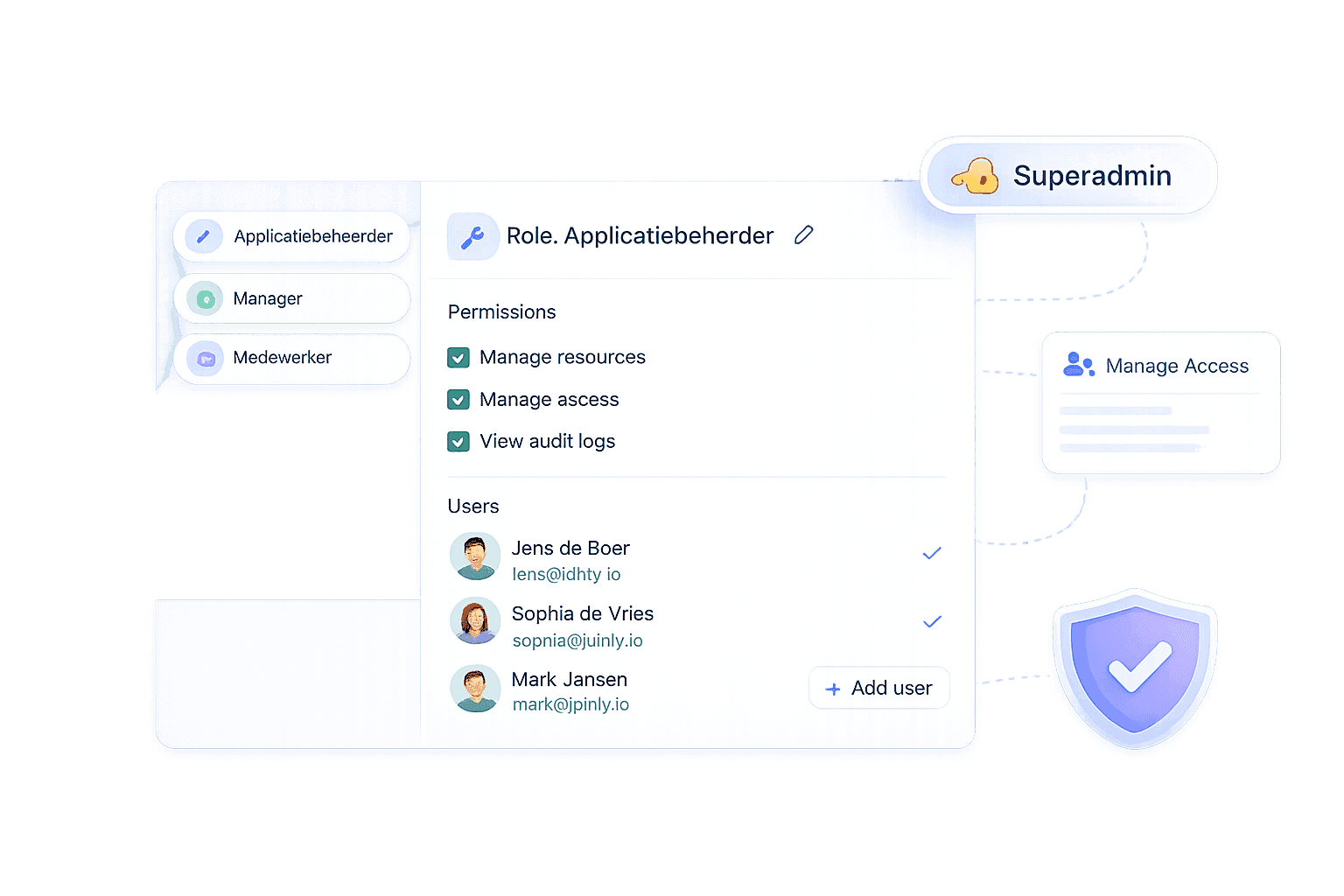


This is how access grows in most organisations: someone gets the permissions of a colleague, who had too many to begin with, and no one ever cleans it up. For IT, this means weekly hassle with tickets. For the security officer, it is a dormant risk: permissions that no one can explain anymore, former roles that linger, and no answer to the question "who actually has access to our financial data?".
Roles solve both. You define what a job profile needs just once, and Joinly automatically assigns that access to everyone in that role, and revokes it as soon as the role changes. Less manual work for IT, and for security: least privilege that enforces itself, demonstrably.
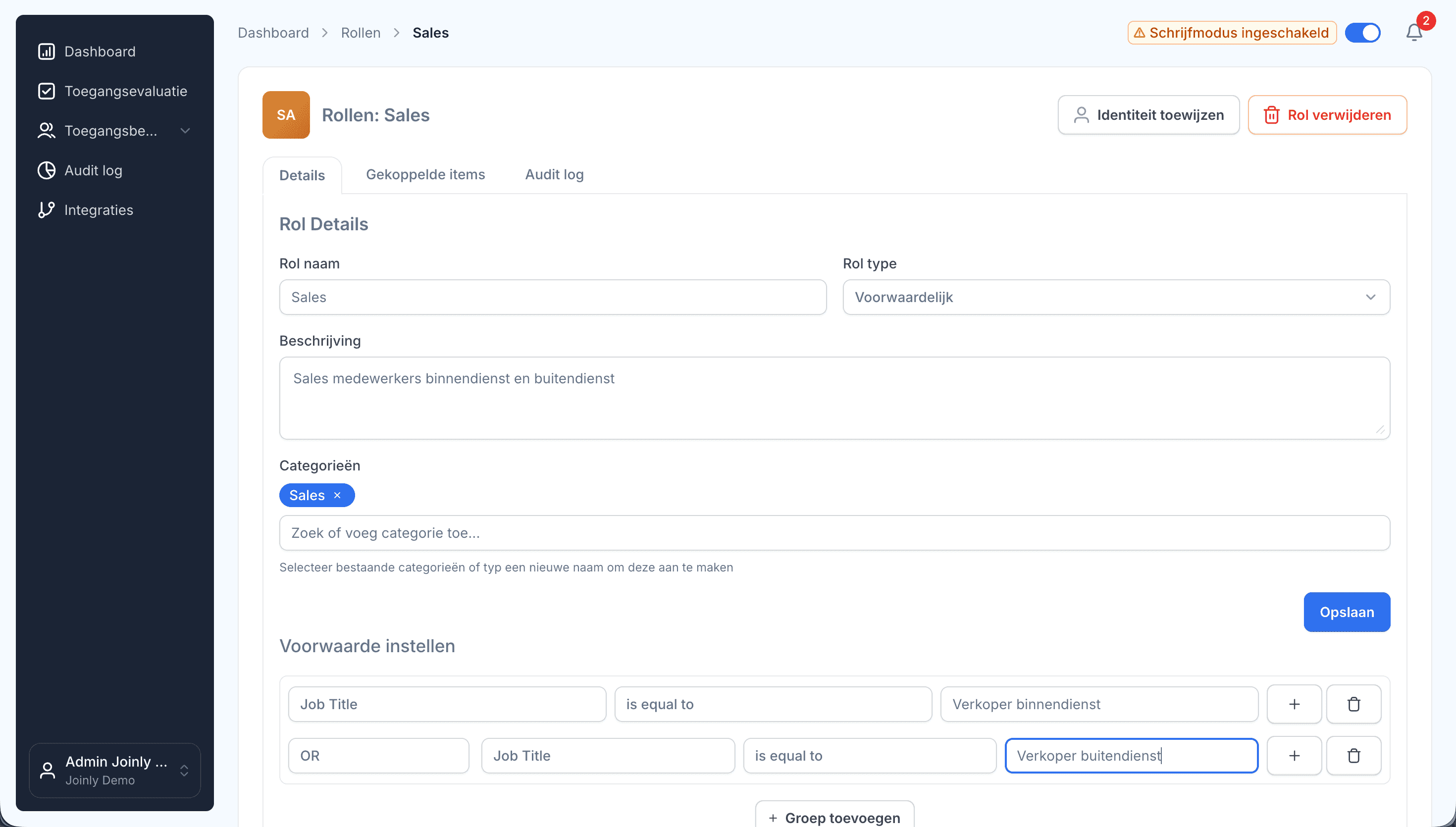
The role determines the groups, licences and apps.What it delivers: zero open tickets, and no "just in case" excessive permissions.
Old roles expire, new ones are added. The benefit: no rights creep during internal transit: the biggest silent leak in most organisations.
Roles and permissions are assigned an end date. The benefit: external users never retain access longer than agreed.
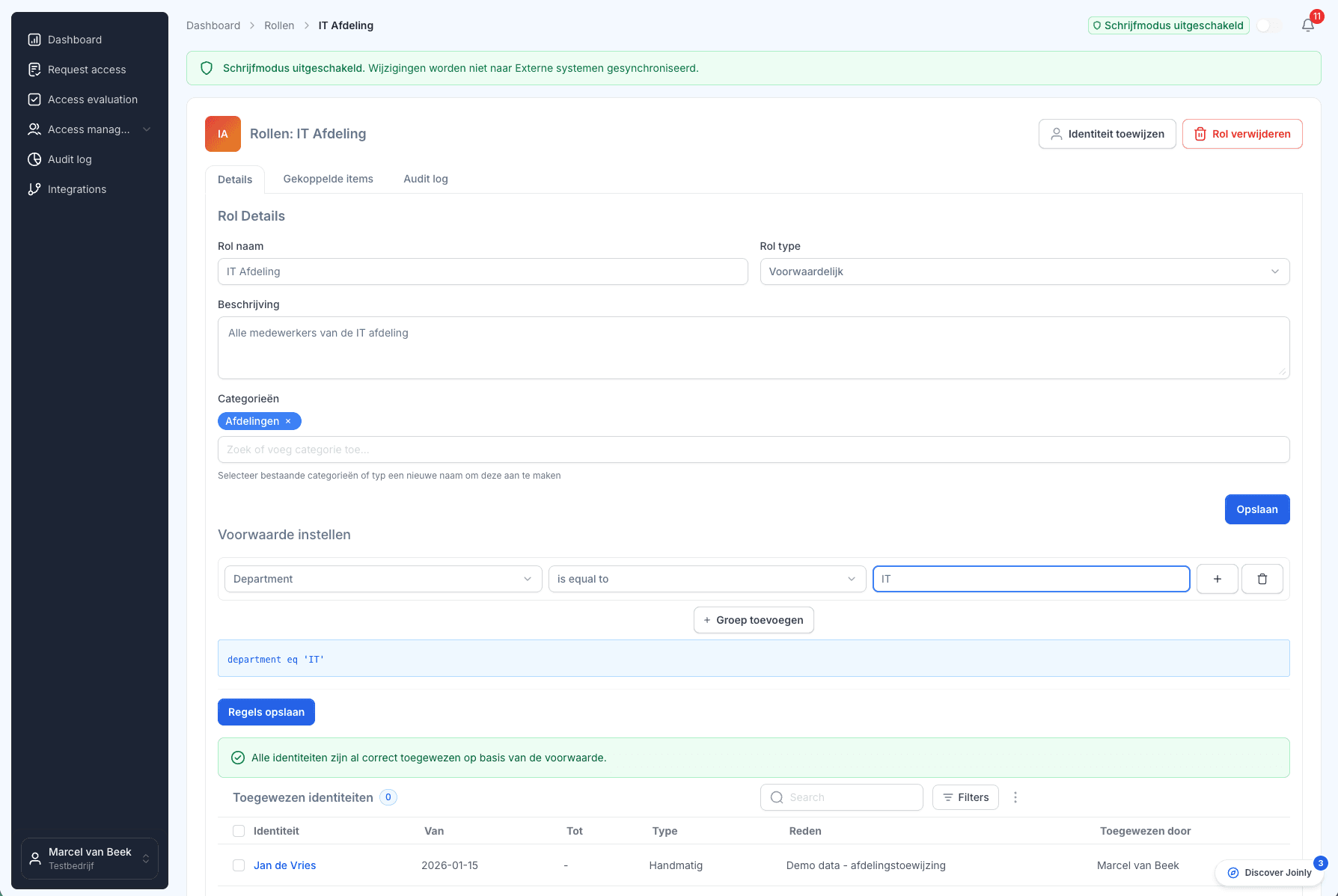
A role is a bundle of access: Entra groups, Microsoft licences, Enterprise Applications and plugin apps. You assign it manually (for exceptions) or conditionally: automatically to everyone who meets your conditions: department, job title, location or any other field. HR changes an attribute, and the access moves with it.
Conditional roles are your authorisation matrix: only it executes itself and stays up to date, instead of gathering dust in Excel.
Four building blocks that turn RBAC into a security tool.
Access follows the role, so no one gets more than they need. Least privilege, automated.
See at a glance where practice deviates from policy, and resolve it with a single click.
Revoke a role safely: access that is still covered by another legitimate source remains intact. No accidents during revocation.
Highlight conflicting permissions (e.g. entering and approving payments); whoever has both is permanently visible in a dedicated tab.
For the security officer
Most organisations do not come to us for "more convenient account management", they want grip: to know for sure that no one has access that does not belong to their role, and to be able to prove this during an audit or under NIS2. Roles make that possible:
Control over access
Roles determine who has access to what, workflows govern what follows, and role evaluation aligns the model with reality. This is how you gain control over access — and keep it.
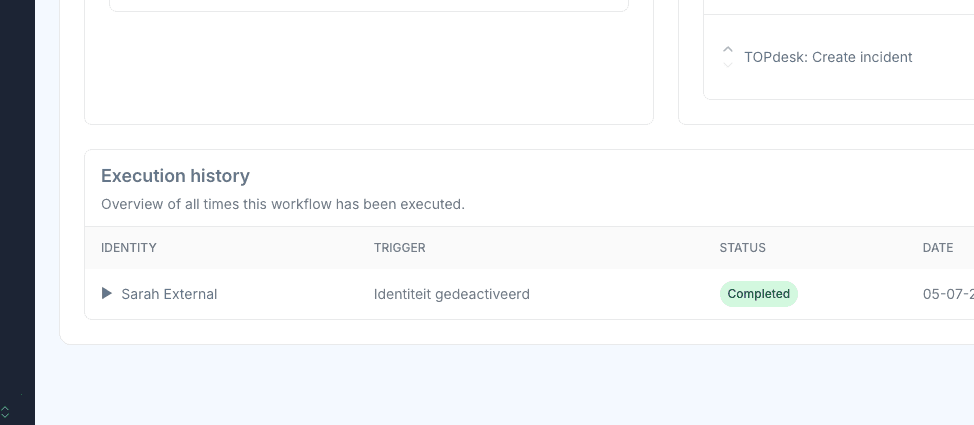
A role controls the access that directly belongs to it. Do you want more to happen as soon as someone is assigned or loses a role (a welcome email, a service desk ticket, an account in another system)? Then you link a workflow to assigning or revoking the role. Roles determine who gets what, workflows determine what happens then.
The most exciting moment of any RBAC project is its implementation. Before any change is made, the role evaluation reveals who should have the role versus who actually has it, allowing you to apply the difference with a single click. This is how you migrate role by role, with your eyes wide open. For security, this is your baseline: the discrepancy between actual and intended access is your first risk list.
Ask us anything
If you're having trouble with the frequently asked questions, feel free to send us a message.
A role bundles access items: Entra groups (security and Microsoft 365), Enterprise Applications including app roles, Microsoft licenses, and plugin applications such as Bitwarden or HubSpot. Whoever is assigned the role gets the entire package — and loses it again upon revocation, unless another source still covers the access.
On every field of the identity: department, job title, location, but also custom fields, including fields calculated with Liquid. Conditions can be combined, so "department = Care and location = Utrecht" is also possible.
It calculates who should have a role and compares this with who actually has it. You can see the differences in a separate view and apply them with a single click — allowing you to safely migrate from a manual setup to RBAC: review first, apply next.
Yes. Roles, access items and group memberships can be assigned an end date ("valid until"). Useful for interns, contractors and projects: access expires automatically.
Mark two access items as conflicting. Anyone who has both will appear in a dedicated conflicts tab — for example "enter payments" and "approve payments".
Import existing memberships from the external system as a claim source; you can suppress one per person. This allows you to map out the current situation first and clean it up in a controlled manner, instead of with a big bang.
Start a free trial today or get in touch for advice on your HR and Microsoft environment.