
Application integrations
Every application gets its accounts from HR
From Microsoft 365 and Google Workspace to HubSpot, TOPdesk and your industry software: Joinly creates accounts, changes them and disables them as soon as something changes in HR. You manage rights and roles for all your applications in one place.
No credit card, nothing to install. Talk to an IAM specialist
- ISO 27001-certified
- Certified by AFAS
- Data in Amsterdam
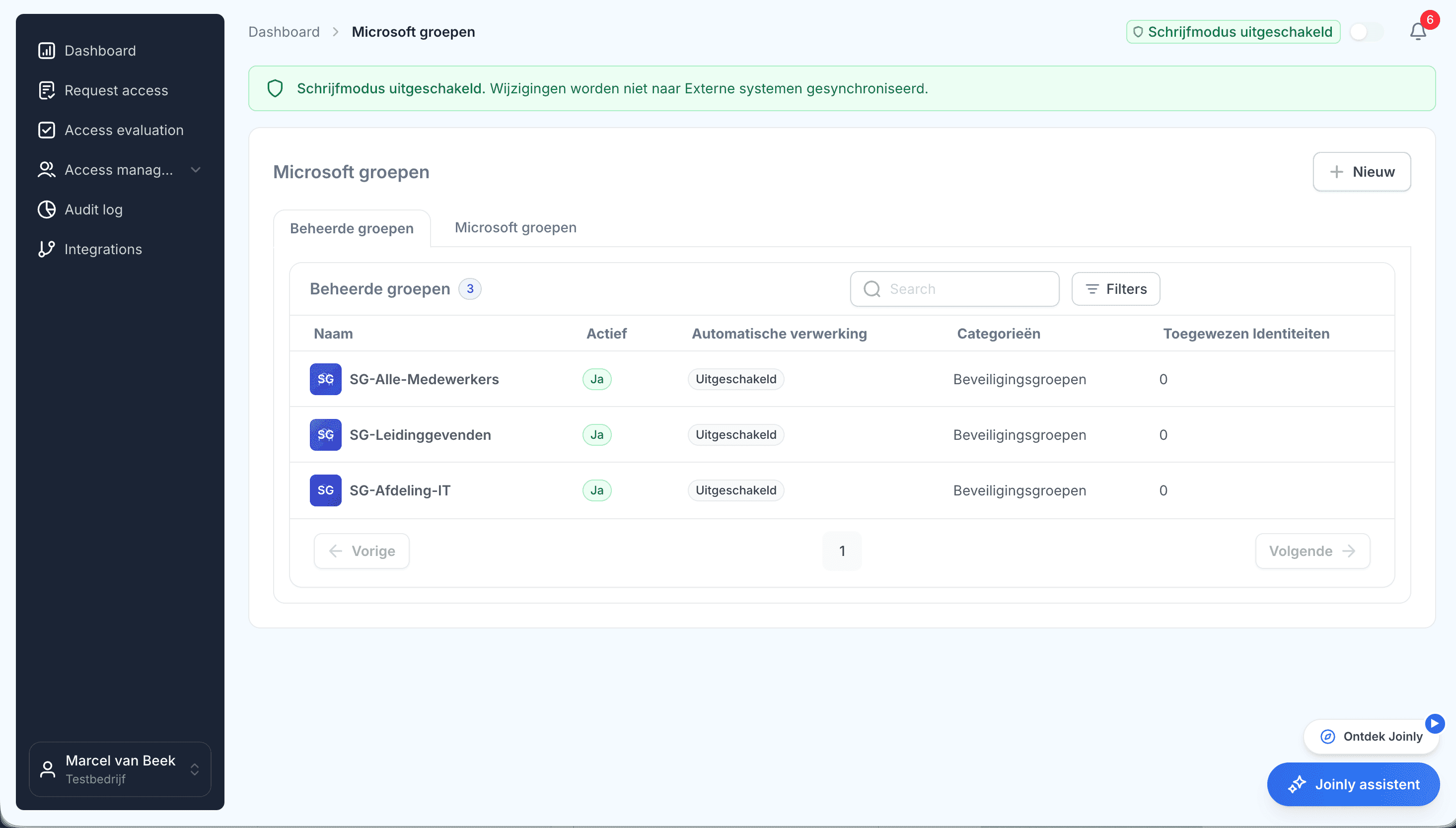
Dozens of applications, and every account by hand
Every organisation works with dozens of applications: Microsoft 365 and Teams, a CRM, a service desk and the software of its own sector. For every new colleague someone creates the accounts, and when they leave someone has to remember to clean them up.
That is how you end up with loose spreadsheets, requests that sit waiting and accounts of people who left long ago. Exactly the access nobody has in view.
How it works
From HR data to accounts in every application
Step 1
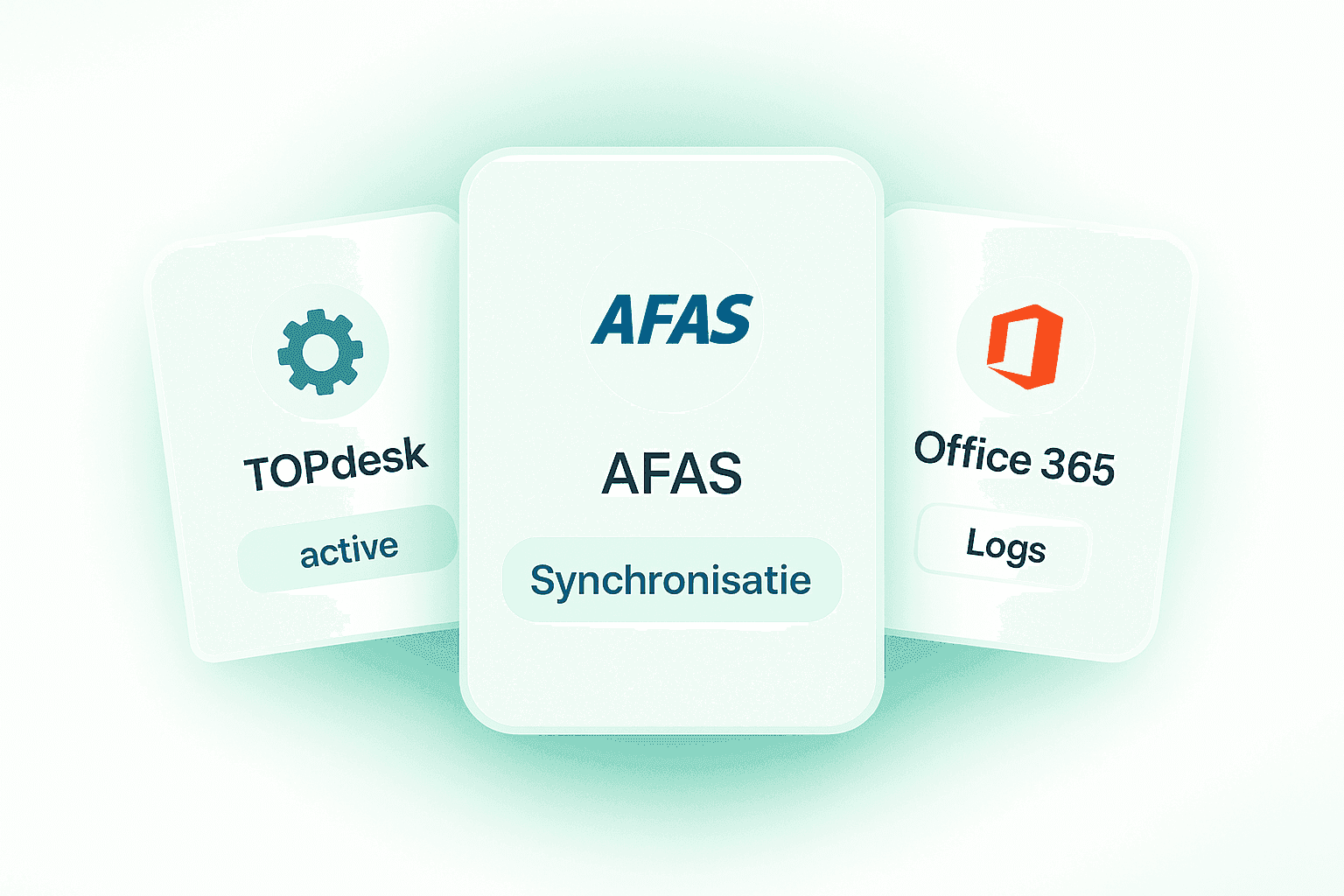
Connect your applications
Joinly has standard connectors for widely used applications, such as Microsoft 365, Google Workspace, HubSpot and TOPdesk. Any other application with an API can be added, your industry software too: a new connector is often in place within a day.
Step 2
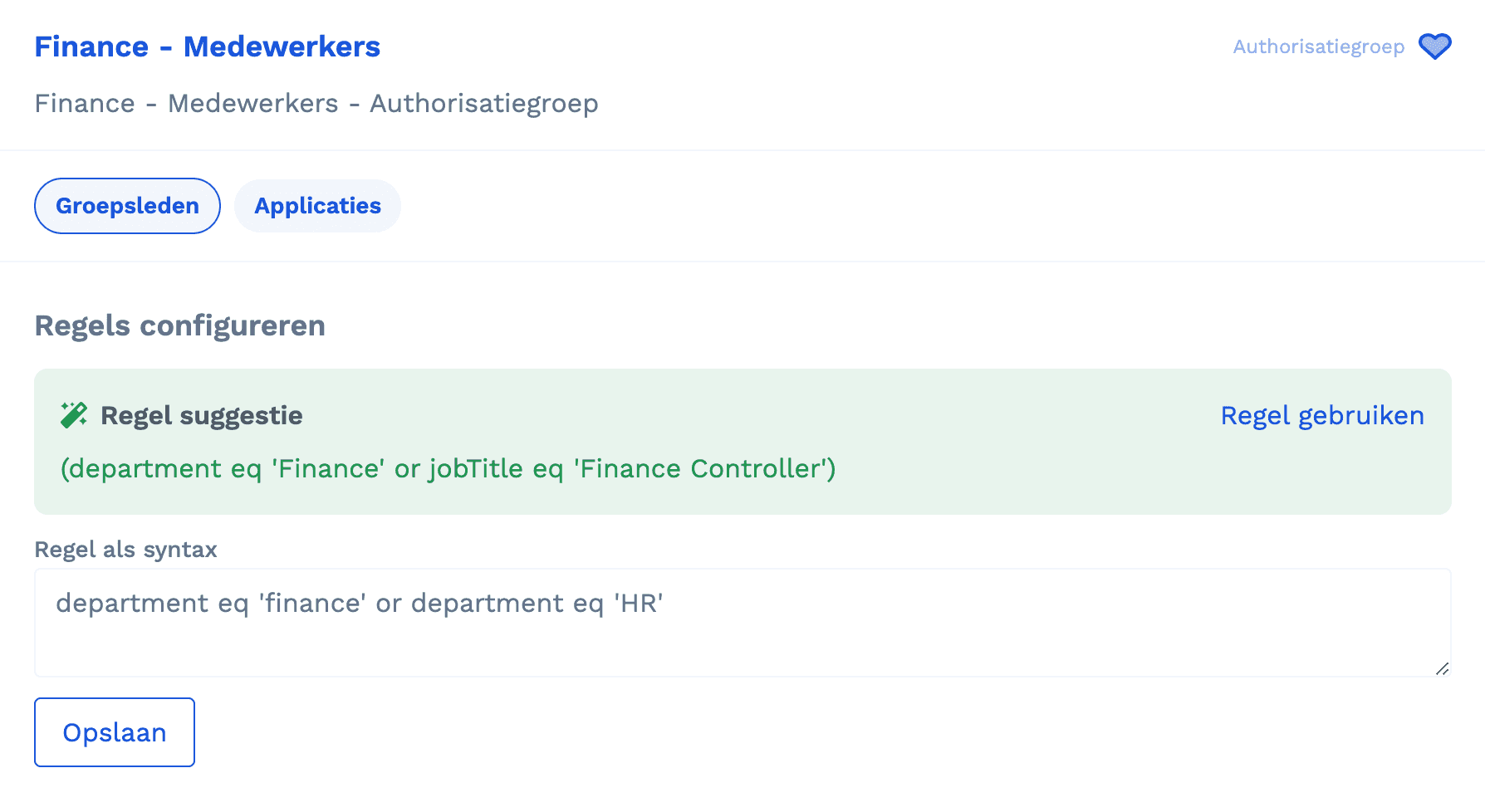
Turn HR data into accounts and roles
An authorisation group uses a rule to decide who is a member: by job, department, location or any other HR field. Whoever meets the rule gets the account and the role in the application.
Step 3
Groups, licences and roles by themselves
Joinly assigns groups, licences and application roles to everyone who should have them, and revokes them as soon as that is no longer the case. When someone leaves, their accounts in every application are disabled.
Step 4
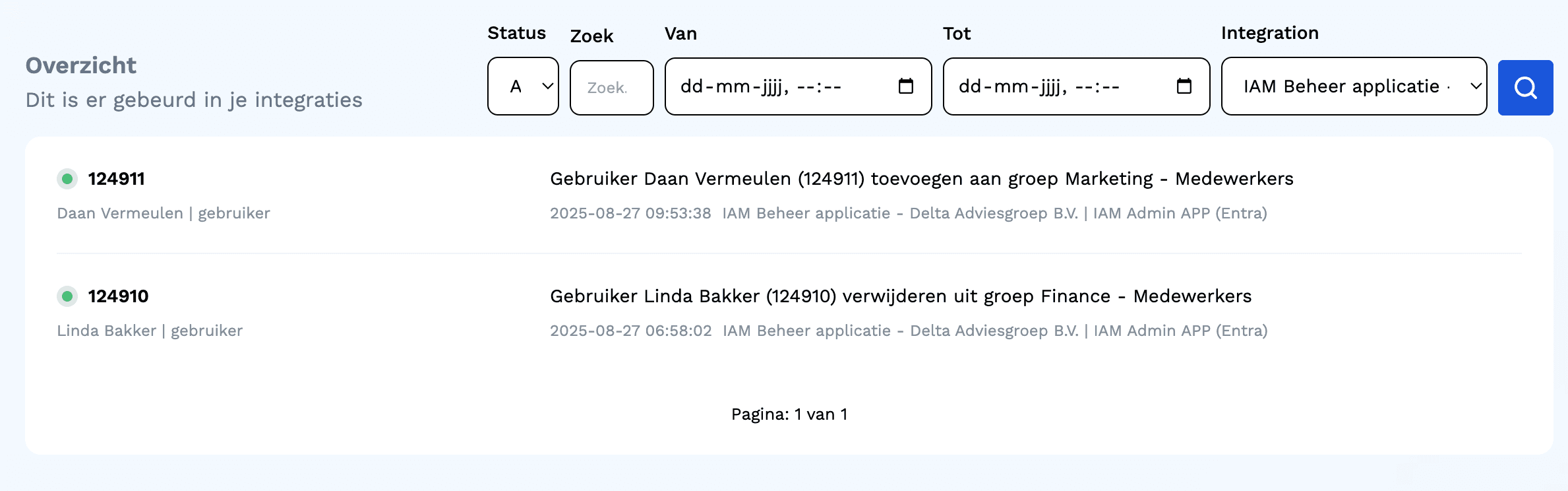
A change flows through everywhere
When something changes in HR, such as a name, a job or a department, Joinly passes it straight on to every connected application.
Applications Joinly connects
A selection of the standard connectors. Every connector has a page of its own.























What it delivers
For the employee
Up and running on day one
New colleagues have access straight away to the applications they need for their work.
For IT
No more account requests
Accounts are created, changed and deactivated automatically, without tickets.
For security
No accounts of leavers
When someone leaves, their accounts in every connected application are disabled, and rights stay in line with HR.

Ask away
Frequently asked questions about application integrations
Which applications can Joinly connect?
Among others Microsoft 365, Teams, Google Workspace, HubSpot, Salesforce, TOPdesk, Freshservice, ServiceNow, Jira, SAP, Odoo, AccountView, Nedap ONS, Magister and ParnasSys. Every connector is on the application integrations page.
Can you connect our industry software too?
Yes. Any application with an API can be added, and a new connector is often in place within a day. On top of that, a workflow drives any system that accepts a webhook.
Can I manage roles inside an application?
Yes. A role in Joinly can contain application roles, such as the app roles of an Enterprise Application. Whoever gets the role gets those rights as well, and loses them again when it is revoked.
What happens to accounts when someone leaves?
On the leaving date Joinly disables the accounts in every connected application, and that is in the audit log.
How quickly does a change reach the application?
Straight away. Joinly passes a change in HR on to every connected application immediately.
More of the product
- Lifecycle managementJoiners, movers and leavers from HR
- WorkflowsThe right steps for every change
- Roles and RBACAccess that follows the job
- Role miningRoles from the access that is there
- Authorisation matrixAlways current, exportable
- Segregation of dutiesStop conflicting rights
- Logging and auditingWho, what, when and why
- SCIM gatewayOne standard for provisioning
- Active DirectoryOn-premises and hybrid
See how an application gets its accounts
In your free trial environment you see with demo data how accounts in connected applications are created, move along and disappear.
No credit card, nothing to install.
Rather talk to someone first? Talk to an IAM specialist