
Overig · Overig
How do you apply AGDLP in a hybrid Entra/AD environment? (And why you shouldn't want to anymore)
Short answer: preferably not. AGDLP (Accounts → Global groups → Domain Local groups → Permissions) is a concept from the era of manual management. The entire nesting construction exists for one reason: to allow a human to assign permissions with as few mouse clicks as possible. As soon as an agent assigns group memberships directly based on HR data, this reason disappears and only the complexity remains. Moreover, in a hybrid environment, this complexity actively works against you, because Entra ID completely ignores nesting for licences and app assignment. In this article, you can read how AGDLP works and why it was once smart, where it breaks down in a hybrid environment, and what the modern alternative looks like: direct memberships, managed by automation.

Marcel van Beek · IAM Specialist · 5 min read
Short answer: preferably not. AGDLP (Accounts → Global groups → Domain Local groups → Permissions) is a concept from the era of manual administration. The entire nesting construction exists for one reason: a human had to be able to assign permissions with as few mouse clicks as possible. As soon as an agent assigns group memberships directly based on HR data, that reason is eliminated and only the complexity remains. Moreover, in a hybrid environment, that complexity actively works against you, because Entra ID completely ignores nesting for licences and app assignment.
In this article, you will read how AGDLP works and why it was once smart, where it breaks down in a hybrid environment, and what the modern alternative looks like: direct memberships, managed by automation.
Quick facts
Fact | Value |
|---|---|
AGDLP | Accounts → Global groups → Domain Local groups → Permissions |
Origin | NT/2000 era: nesting saved manual administrative work and replication traffic |
Why obsolete | The savings applied to humans; a provisioning agent does not need indirection |
Nesting in Entra ID | Does NOT count towards licence allocation and app assignment; direct members only |
Group scopes | Only on-premises AD has global, universal, and domain local; Entra has no scopes |
Cloud → AD provisioning | Entra Cloud Sync: only cloud security groups, as a universal group, nested groups do not sync |
Group Writeback v2 | Deprecated |
The alternative | One resource group per permission, members directly assigned and maintained by an agent from HR |
Why AGDLP was once smart
AGDLP solves a problem that was serious when management was done manually. Assigning permissions directly to individuals does not scale, so an intermediate layer was introduced: the role group describes who someone is, the resource group describes what is allowed, and a single nesting links the two. If someone changes roles, you change one membership and all permissions follow. For an administrator with a mouse and a to-do list, that was pure gain.
Note the assumption here: there is a human keeping track of memberships, and that human needs to touch as few places as possible. The entire architecture is optimised for the limitations of manual administration.
Where the model breaks down
The assumption is gone
As soon as provisioning is automated, "touching as few places as possible" is no longer an argument. An agent working from the HR system modifies twenty direct memberships just as easily as one nesting, error-free and logged. The indirection then yields nothing, but still costs the same: an extra layer of groups that you have to document, explain to every new colleague, and include in every audit ("via which nesting does this person have access again?").
In the cloud, it simply does not work
Entra ID has no group scopes and ignores nesting where it matters most: licence allocation and app assignment look exclusively at direct members. An AGDLP structure that you extend to the cloud produces groups that look like they work but do nothing. And vice versa: cloud groups that you provision to AD via Entra Cloud Sync do not bring their nested members along. The model that promised consistency on-premises guarantees inconsistency in a hybrid environment.
Troubleshooting becomes archaeology
Every layer of indirection makes the question "why does this person have access?" more expensive to answer. With direct memberships, the answer is a single query. With AGDLP, it is a treasure hunt through nestings, and with AGUDLP (with the universal variant in between) another layer deeper. Auditors simply pass those hours on to you.
The alternative: direct assignment by an agent
The modern model is flat: one resource group per permission (the share, the application, the licence), and its members are directly assigned and maintained by automation. The role still exists, but not as a group in AD; it lives as a business rule in the provisioning layer: "Finance department, job title Employee" means membership of DATA-Finance-RW, APP-Exact-User, and LIC-M365-E3. Direct, without an intermediate layer.
What you gain: the cloud limitation has become irrelevant (direct members work everywhere, on-premises and in Entra), the question "who has access and why" can be answered directly per group, and there is no longer any difference between how you model on-premises and cloud access. One model, both worlds.
The honest prerequisite: this only works with an agent that actually reliably maintains the memberships. Direct assignment without automation is back to manual work, and then AGDLP is still the better choice. The concept is not stupid, it is obsolete: outdated due to the loss of the assumption on which it was built.
Why you do this with Joinly
The Joinly AD agent assigns group memberships directly, in on-premises AD and Entra ID, based on the business rules running on your HR data. Onboarding, role changes, and offboarding automatically mutate the direct memberships; exceptions are recorded with a reason and end date, and every change is in the audit trail. The role layer that AGDLP tried to capture in nested groups lives in Joinly where it belongs: as a rule that you can read, modify, and demonstrate, not as a nesting structure that you have to reconstruct.
Are you still running AGDLP? Excellent starting point: the scan on scan.joinly.app shows how your current group structure is doing and what direct assignment means for your environment.
Installation guide
Route A: you do not have a provisioning agent (yet)
In that case, AGDLP is still the right choice; manual administration without structure is worse. In short:
Role groups per role:
New-ADGroup -Name "ROL-Finance-Employee" -GroupScope Global -GroupCategory SecurityResource groups per permission:
New-ADGroup -Name "DATA-Finance-RW" -GroupScope DomainLocal -GroupCategory SecurityNesting:
Add-ADGroupMember -Identity "DATA-Finance-RW" -Members "ROL-Finance-Employee"NTFS permissions exclusively on the resource groups, never on role groups or individuals.
Sync only the role groups to Entra and link them directly (without nesting) to apps and licences there.
See this as an intermediate stage, not the final destination.
Route B: direct assignment with the Joinly AD agent
Inventory your resource groups. One group per permission: shares, applications, licences. The existing domain local groups with NTFS permissions can usually just be reused.
Record the roles as business rules in Joinly. You define which resource groups belong to each role or department from the HR system. This is your authorization matrix, but executable.
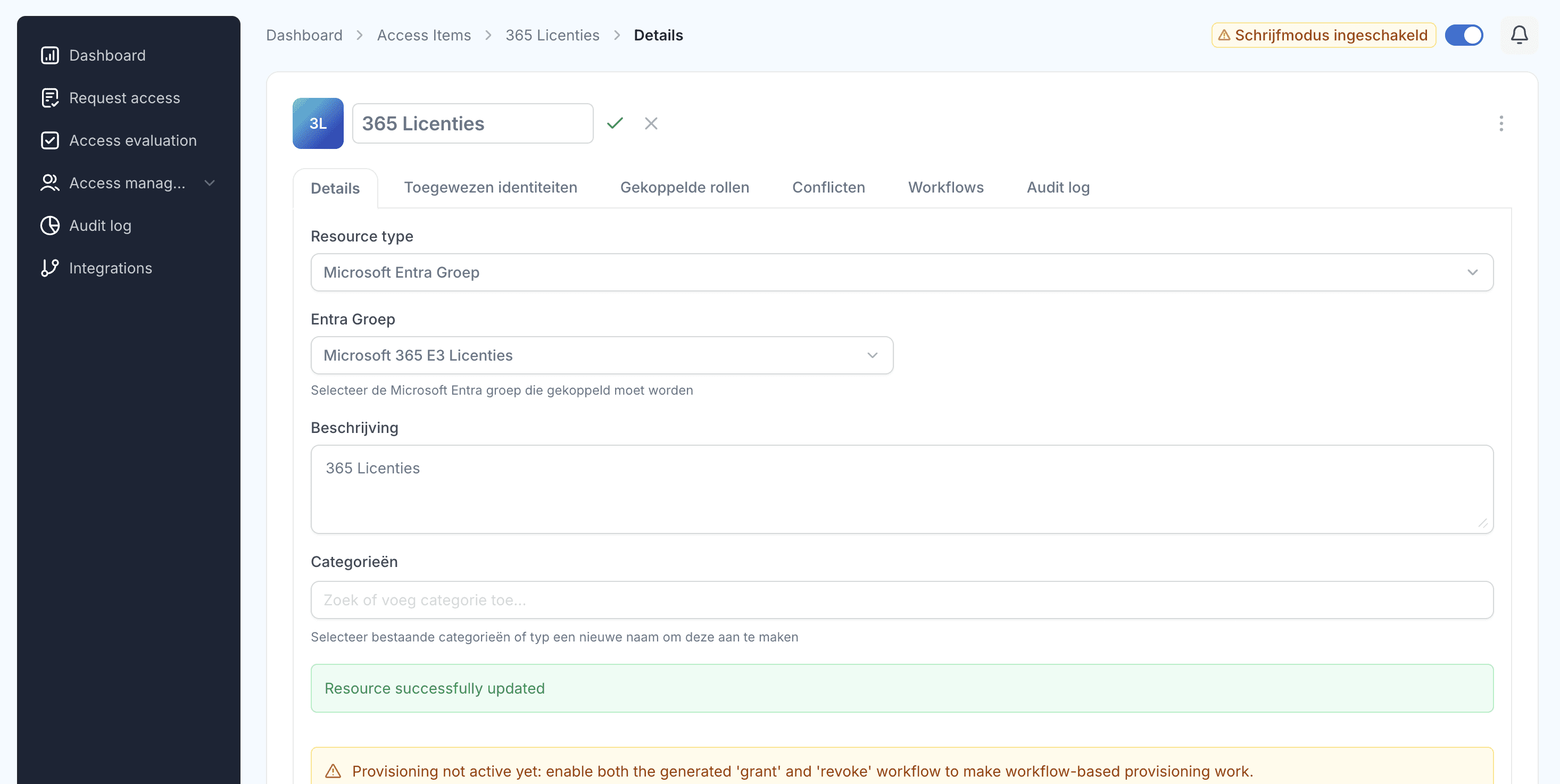
Connect the Joinly AD agent. The agent runs against your on-premises AD and performs the membership mutations directly; the Entra side runs via the cloud integration. From this point on, the HR system is the source.
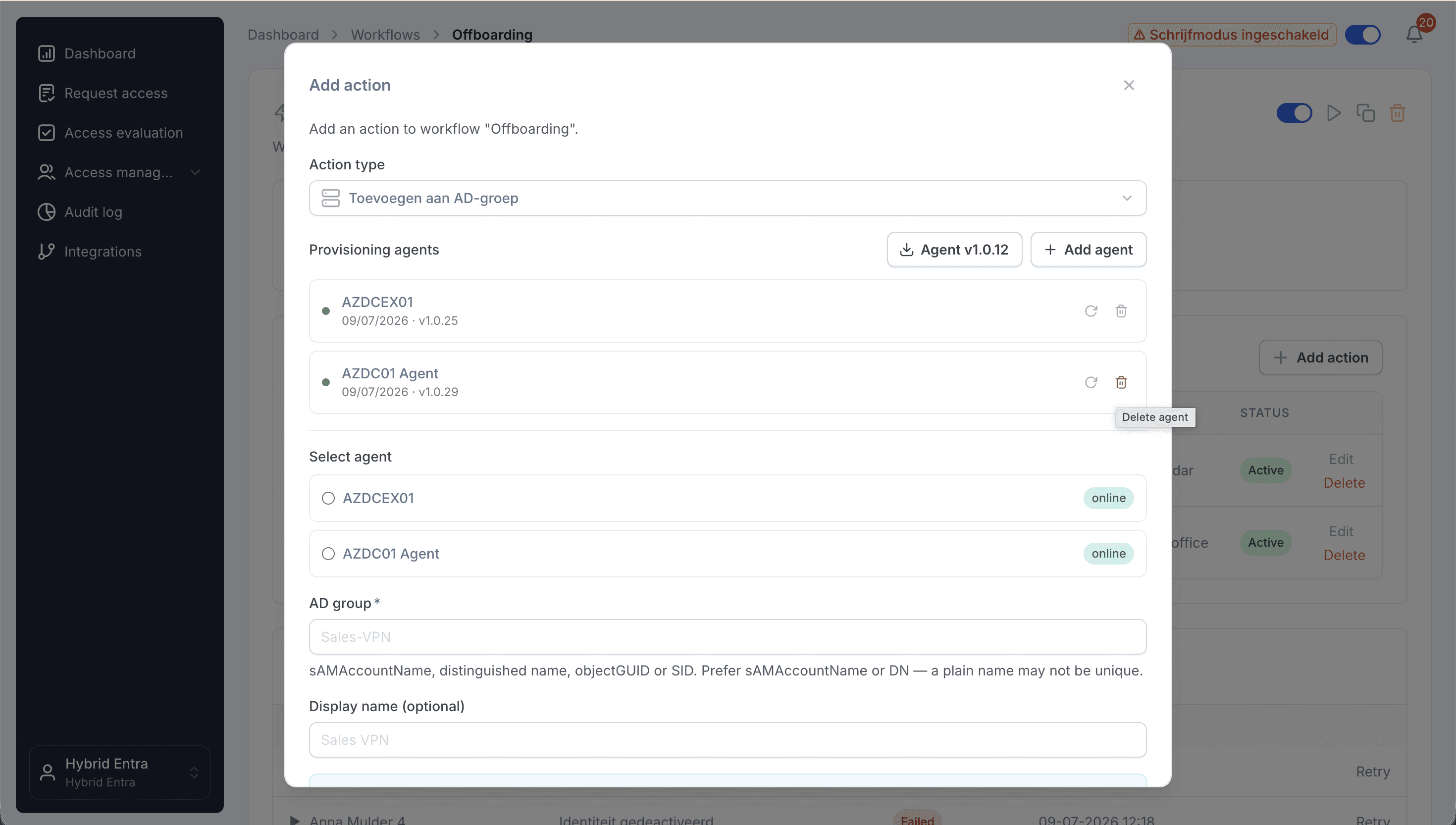
Migrate role by role. Choose one role group, let Joinly directly assign the members of the underlying resource groups, verify, and then remove the nesting. Repeat for each role. A big bang is not necessary; both models can co-exist during the migration.
Clean up the role groups. Once a role group is no longer nested anywhere and carries no permissions, it can be deleted. Every removed layer is less documentation, less audit explanation, and fewer surprises.
Test the chain. Perform a role change in HR for a test person and verify that the direct memberships move along on both sides, including revoking old permissions.
Explore more blogs

Segregation of Duties (SoD): wat het is en hoe je het afdwingt
Wat is segregation of duties (functiescheiding)? Uitleg, voorbeelden en waarom het vaak misgaat. Plus hoe je SoD-conflicten automatisch tegenhoudt.
Marcel van Beek · 4 min read

How do I set up role-based access control (RBAC) and least privilege for a municipality?
Start with the roles in your HR system and map them to roles, not to individual permissions per person. Group each role with precisely the access required for the job, adhering to the principle of least privilege. Manage these roles centrally and let an orchestration layer automatically assign and revoke them. This keeps access predictable, limited and demonstrable.
Mike Fraanje · 4 min read

Wat betekent de Cyberbeveiligingswet (NIS2) voor het toegangsbeheer van gemeenten, provincies en waterschappen?
Gemeenten, provincies en waterschappen worden onder de Cyberbeveiligingswet automatisch aangewezen als essentiële entiteit, ongeacht hun omvang, en vallen daarmee onder proactief toezicht. Toegangsbeheer is een vast onderdeel van de zorgplicht: toegang moet beperkt, rolgebaseerd en aantoonbaar zijn. Geautomatiseerd accountbeheer met logging is de praktische manier om daaraan te voldoen.
Mike Fraanje · 4 min read
See what Joinly can do for your organisation?
Start a free trial today or get in touch for advice on your HR and Microsoft environment.