
Overig · Overig
Single Sign-On (SSO) in practice; more convenience and security for employees
Morten Broers · Software Developer · 5 min read
In many organisations, the number of applications and online tools is rapidly increasing. This boosts productivity but also leads to an overgrowth of accounts and passwords. The result? Frustration among employees, increased workload for IT, and greater security risks.
Single Sign-On (SSO) offers a future-proof solution. At Joinly, we help organisations daily to simplify and secure their digital workplace. In this article, you will read how SSO works, why it enhances security, and how Joinly can assist your organisation in implementing SSO smartly and successfully.
What is Single Sign-On (SSO)?
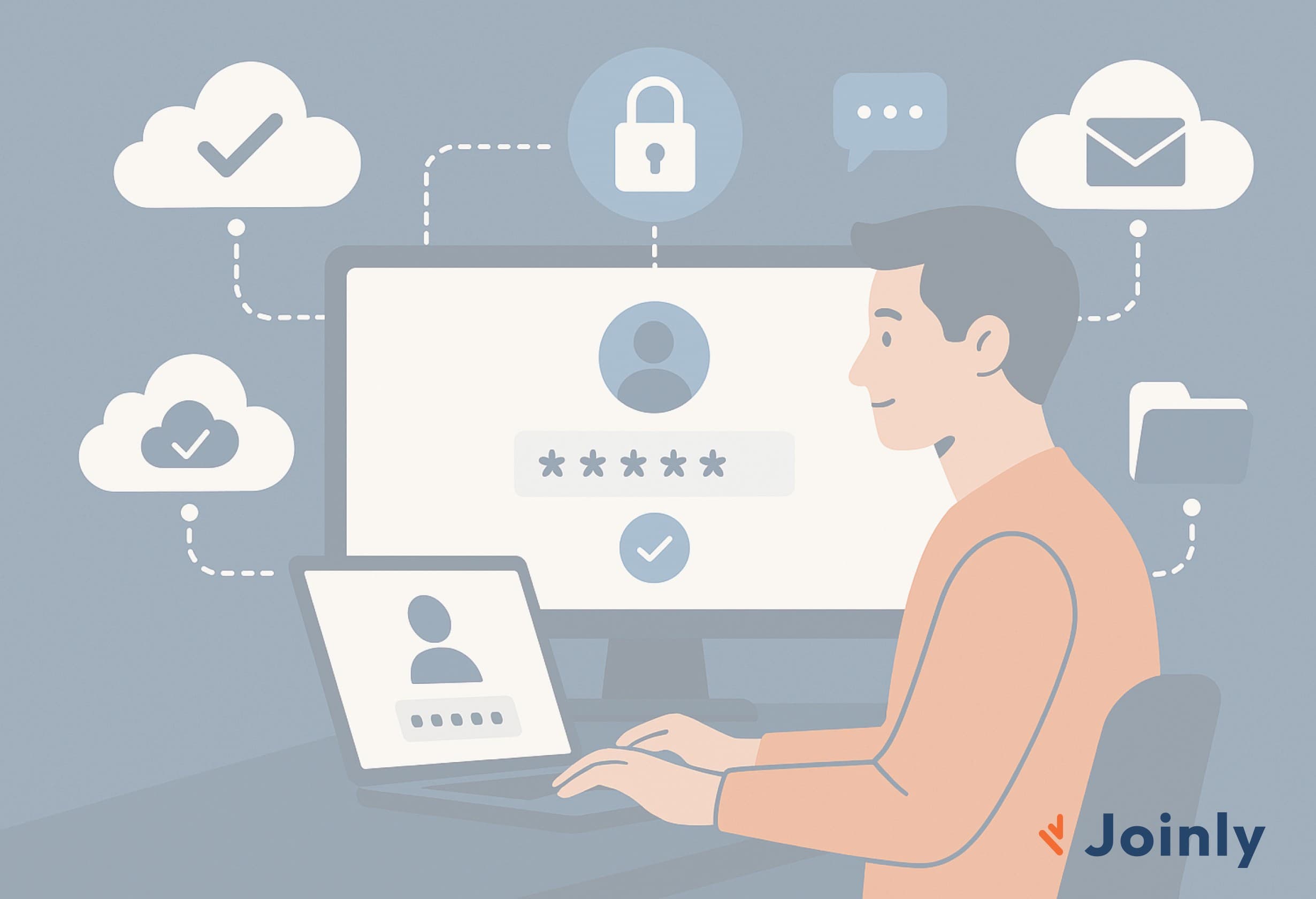
Single Sign-On is a method of identity and access management where employees can access all necessary applications with one login. Tools like Microsoft 365, Google Workspace, AFAS, Nmbrs, Slack and many other cloud applications can all be linked via SSO.
Authentication is carried out through a central Identity Provider (IdP), such as Microsoft Entra ID. This makes logging in simpler and more secure.
Main advantages of SSO:
Fewer passwords to remember
Faster access to applications
Central identity and access management
Significant improvement in cybersecurity
Why SSO is indispensable for modern digital workplaces
Many organisations initially switch to SSO for greater ease of use. However, the biggest advantage lies in security. Here's why:
1. Fewer passwords mean less risk of data leaks
Without SSO, employees often use multiple (weak) passwords or reuse the same combination. With Single Sign-On, that risk nearly disappears.
2. Strong security through Multi-Factor Authentication (MFA)
SSO works perfectly with MFA. Employees log in securely once, after which they can use all linked applications without repeatedly entering verification codes.
3. Secure offboarding with one click
With traditional user management, accounts must be manually removed per application.
With SSO and Joinly’s central approach, offboarding is done directly from HR. This prevents ‘forgotten accounts’ and reduces the chance of misuse.
4. Complete insight into login and application usage
SSO gives IT real-time control over who logs in where and when. This makes it easier to detect unusual behaviour and respond quickly to potential risks.
The practical benefits of SSO
At Joinly, we see daily the impact SSO has on organisations of all sizes:
✔ Up to 80% fewer IT tickets for password issues
✔ Faster onboarding thanks to automatic application assignment
✔ Higher employee satisfaction due to less login frustration
✔ Stronger security and fewer human errors
SSO provides peace, efficiency, and overview. For both employees and IT teams.
How Joinly helps organisations with SSO implementation
A successful SSO implementation requires more than technology. It also involves adoption, management, and a clear strategy. Joinly provides end-to-end support in this process.
1. Application inventory
We map out which tools employees use.
2. Smart linking with your Identity Provider
Whether you work with Microsoft Entra ID, Google, or another IdP: we ensure that all your applications are linked correctly.
3. Clear communication and adoption
We clearly explain what changes, why SSO has advantages, and how employees can start using it.
4. Roles and rights managed automatically
Access management is based on functions, teams, and roles. New employees automatically get access to the right applications.
5. Monitoring and optimisation
We ensure your SSO environment remains secure, efficient, and future-proof.
Starting with Single Sign-On? Joinly is happy to assist
Single Sign-On is no longer an add-on but a crucial building block of a modern digital workplace. Whether you are growing, want to strengthen your cybersecurity or provide a better working experience for employees — SSO delivers immediate results.
At Joinly, we support you from strategy to implementation and adoption.
👉 Want to know how SSO can be implemented within your organisation?
Contact us without any obligation.
Explore more blogs

Segregation of Duties (SoD): wat het is en hoe je het afdwingt
Wat is segregation of duties (functiescheiding)? Uitleg, voorbeelden en waarom het vaak misgaat. Plus hoe je SoD-conflicten automatisch tegenhoudt.
Marcel van Beek · 4 min read

How do you apply AGDLP in a hybrid Entra/AD environment? (And why you shouldn't want to anymore)
Short answer: preferably not. AGDLP (Accounts → Global groups → Domain Local groups → Permissions) is a concept from the era of manual management. The entire nesting construction exists for one reason: to allow a human to assign permissions with as few mouse clicks as possible. As soon as an agent assigns group memberships directly based on HR data, this reason disappears and only the complexity remains. Moreover, in a hybrid environment, this complexity actively works against you, because Entra ID completely ignores nesting for licences and app assignment. In this article, you can read how AGDLP works and why it was once smart, where it breaks down in a hybrid environment, and what the modern alternative looks like: direct memberships, managed by automation.
Marcel van Beek · 5 min read

How do I set up role-based access control (RBAC) and least privilege for a municipality?
Start with the roles in your HR system and map them to roles, not to individual permissions per person. Group each role with precisely the access required for the job, adhering to the principle of least privilege. Manage these roles centrally and let an orchestration layer automatically assign and revoke them. This keeps access predictable, limited and demonstrable.
Mike Fraanje · 4 min read
See what Joinly can do for your organisation?
Start a free trial today or get in touch for advice on your HR and Microsoft environment.