
Overig · Overig
HR-driven provisioning: automate hiring, transfers, and departures
Every employee goes through a journey within the organisation: they join, sometimes change roles or departments, and eventually leave the company. At each step, access and permissions must be carefully managed. Traditionally, this often happens manually: HR registers someone, IT creates accounts, managers request additional permissions… The result? A lot of work, errors, and risks.
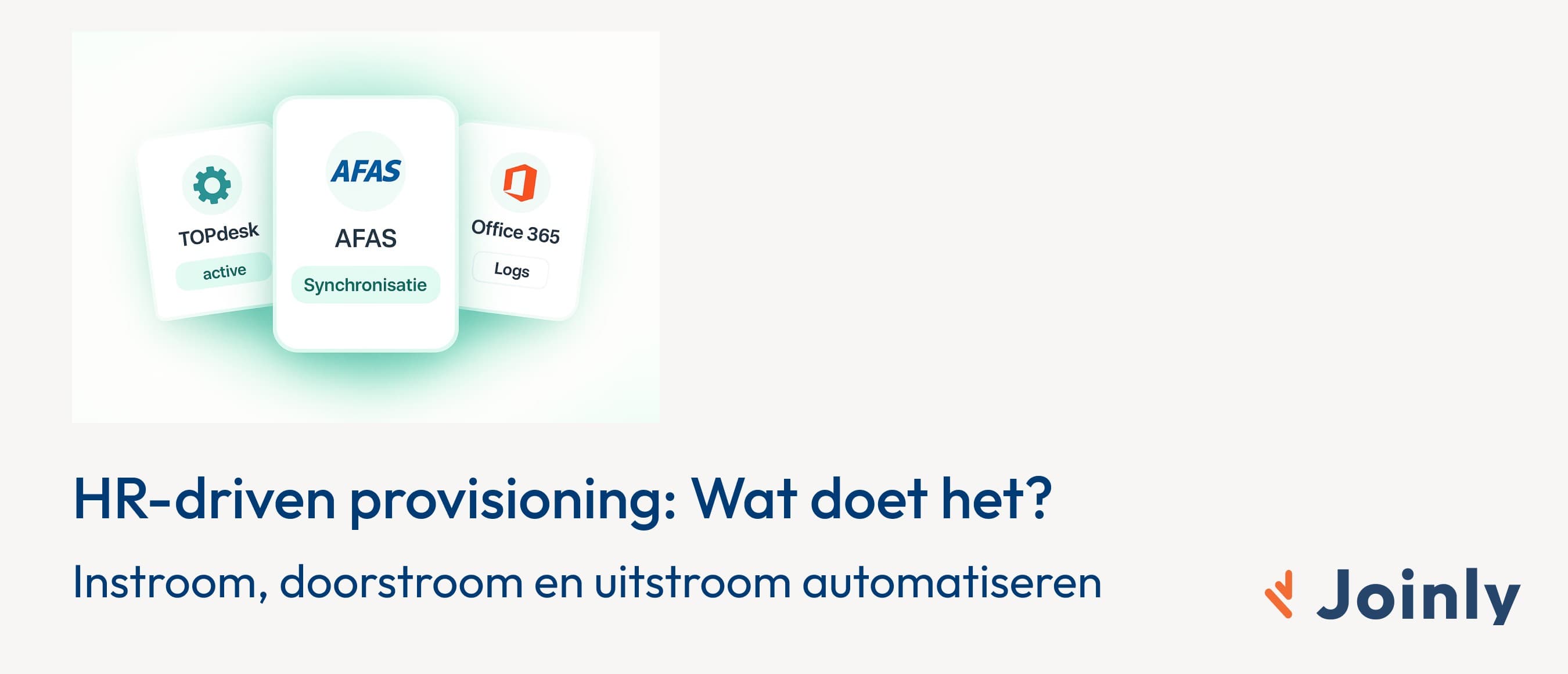
Morten Broers · IAM Specialist · 6 min read
Every employee embarks on a journey within the organisation: they join, sometimes change roles or departments, and eventually leave the company. At each step, access and rights need to be carefully arranged.
Traditionally, this often happens manually: HR registers someone, IT creates accounts, managers request additional rights… The result? Lots of work, errors, and risks.
HR-driven provisioning solves this by using the HR system as the source for all identity and access rights. In this blog, we explain what it is, how it works, and what benefits it offers.
What is HR-driven provisioning?
Provisioning is the process by which an employee receives the correct digital rights and accounts. Think of access to email, HR software, financial applications, or collaboration tools.
With HR-driven provisioning, the HR system is the engine:
HR registers onboarding, role changes, or offboarding.
The IAM solution (such as Joinly) immediately translates this into the correct access across all connected systems.
Everything operates automatically, without manual IT work.
How does it work in practice?
1. Onboarding
A new employee starts. As soon as HR enters the data, IAM automatically creates accounts in systems such as Office 365, Slack, AFAS, or YouServe. The employee can start working from day one.
2. Role change
An employee changes role or department. The HR system is updated and IAM immediately adjusts the rights: old rights are revoked, new ones are granted. This ensures access to the correct applications and documents — and nothing more.
3. Offboarding
An employee leaves the organisation. On the final working day, IAM ensures all accounts are blocked or removed. This prevents former employees from retaining access to sensitive systems.
The benefits of HR-driven provisioning
Less risk and increased security
No more forgotten individual accounts. Everything seamlessly aligns with HR processes, allowing you to maintain control over access and reduce risks.Time savings for HR and IT
Manual administration disappears. IT no longer needs to create accounts and HR doesn't need to make follow-up calls to check if everything is arranged.Better experience for employees
New employees can start immediately. No frustration due to lacking access or long waiting times.Compliance and audit trail
Every change is recorded. You always have insight into who accessed what and when, essential for GDPR and ISO 27001 audits.
HR and IT together at the helm
One of the biggest advantages of HR-driven provisioning is that HR and IT work more closely together. HR defines the source data, IT takes care of technical integrations and security. Together they create a streamlined and secure working environment.
HR-driven provisioning with Joinly
Joinly makes HR-driven provisioning simple with standard integrations with popular HR and IT systems. Think of:
Additionally, Joinly effortlessly connects with IT target systems such as Active Directory, Entra ID, and collaboration and payroll applications.
This ensures that onboarding, role changes, and offboarding are always properly arranged.
Conclusion
HR-driven provisioning is the way to automate onboarding, role changes, and offboarding. It makes organisations safer, more efficient, and more attractive for employees.
Instead of fragmented processes and risks, you get a streamlined whole where HR is the starting point and IAM automatically manages everything.
Explore more blogs

Segregation of Duties (SoD): wat het is en hoe je het afdwingt
Wat is segregation of duties (functiescheiding)? Uitleg, voorbeelden en waarom het vaak misgaat. Plus hoe je SoD-conflicten automatisch tegenhoudt.
Marcel van Beek · 4 min read

How do you apply AGDLP in a hybrid Entra/AD environment? (And why you shouldn't want to anymore)
Short answer: preferably not. AGDLP (Accounts → Global groups → Domain Local groups → Permissions) is a concept from the era of manual management. The entire nesting construction exists for one reason: to allow a human to assign permissions with as few mouse clicks as possible. As soon as an agent assigns group memberships directly based on HR data, this reason disappears and only the complexity remains. Moreover, in a hybrid environment, this complexity actively works against you, because Entra ID completely ignores nesting for licences and app assignment. In this article, you can read how AGDLP works and why it was once smart, where it breaks down in a hybrid environment, and what the modern alternative looks like: direct memberships, managed by automation.
Marcel van Beek · 5 min read

How do I set up role-based access control (RBAC) and least privilege for a municipality?
Start with the roles in your HR system and map them to roles, not to individual permissions per person. Group each role with precisely the access required for the job, adhering to the principle of least privilege. Manage these roles centrally and let an orchestration layer automatically assign and revoke them. This keeps access predictable, limited and demonstrable.
Mike Fraanje · 4 min read
See what Joinly can do for your organisation?
Start a free trial today or get in touch for advice on your HR and Microsoft environment.